I'm a participant in the Amazon Services LLC Associates Program, an affiliate advertising program designed to provide a means for me to earn fees by linking to Amazon.com and affiliated sites.
If you want your inkjet printer to last longer, and stop doing that annoying “cleaning cycle” right when you need it, monthly maintenance is the sweet spot. This inkjet printer maintenance guide will help you know exactly what to do.
Here’s the verdict up front:
- Most inkjet problems aren’t “old printer” problems. They’re neglect + dust + dried ink + bad habits.
- A 10–15 minute monthly routine prevents the big headaches: clogs, streaks, smudges, paper jams, and wasted ink.
- You don’t need deep cleaning, tools, or technical skills. You need consistency.
This guide is the exact monthly checklist I wish every printer owner had from day one.
Feature | |||||
|---|---|---|---|---|---|
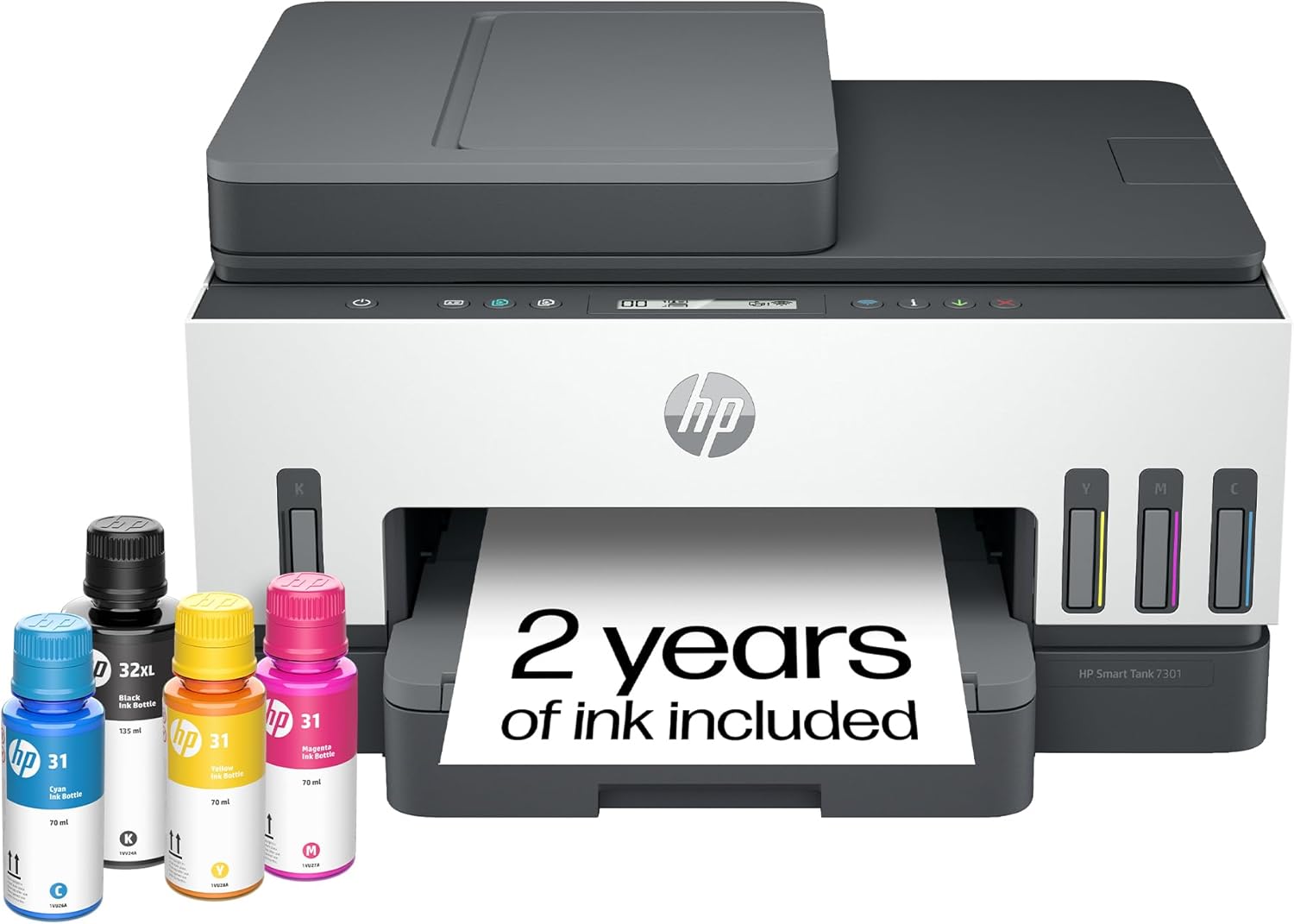 | 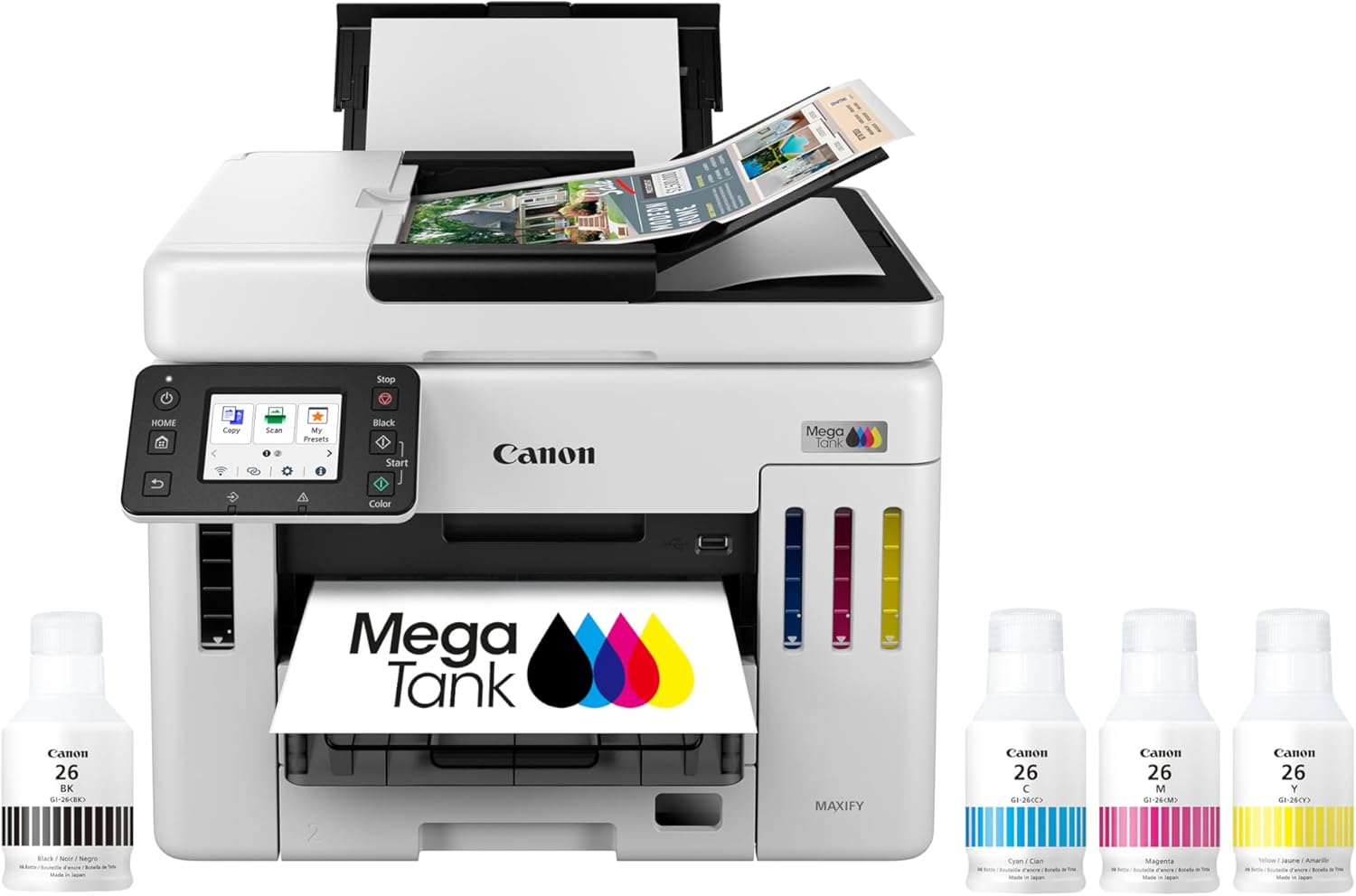 | 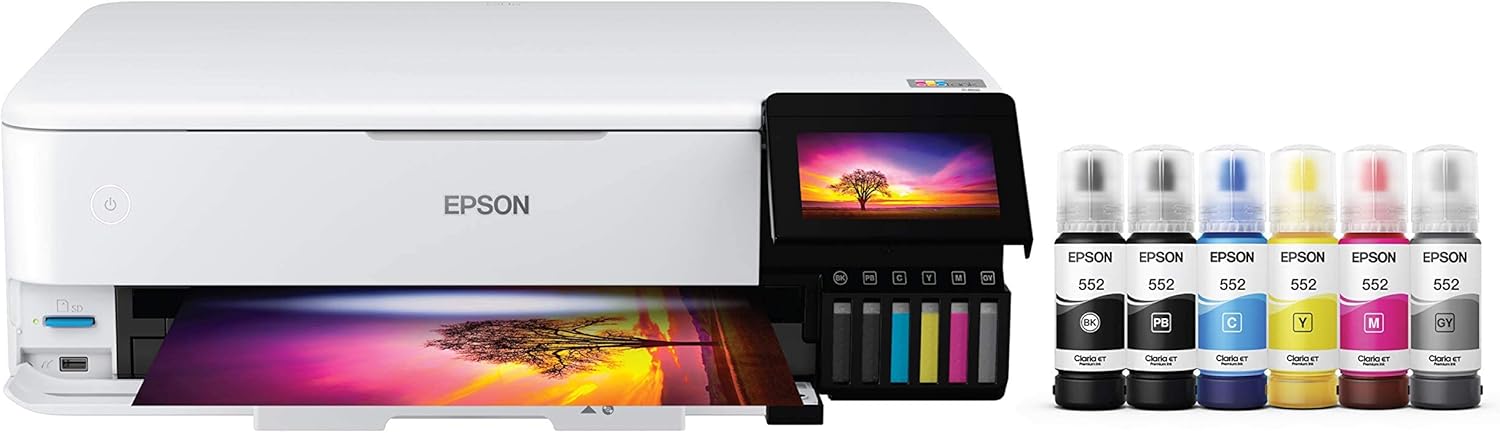 | 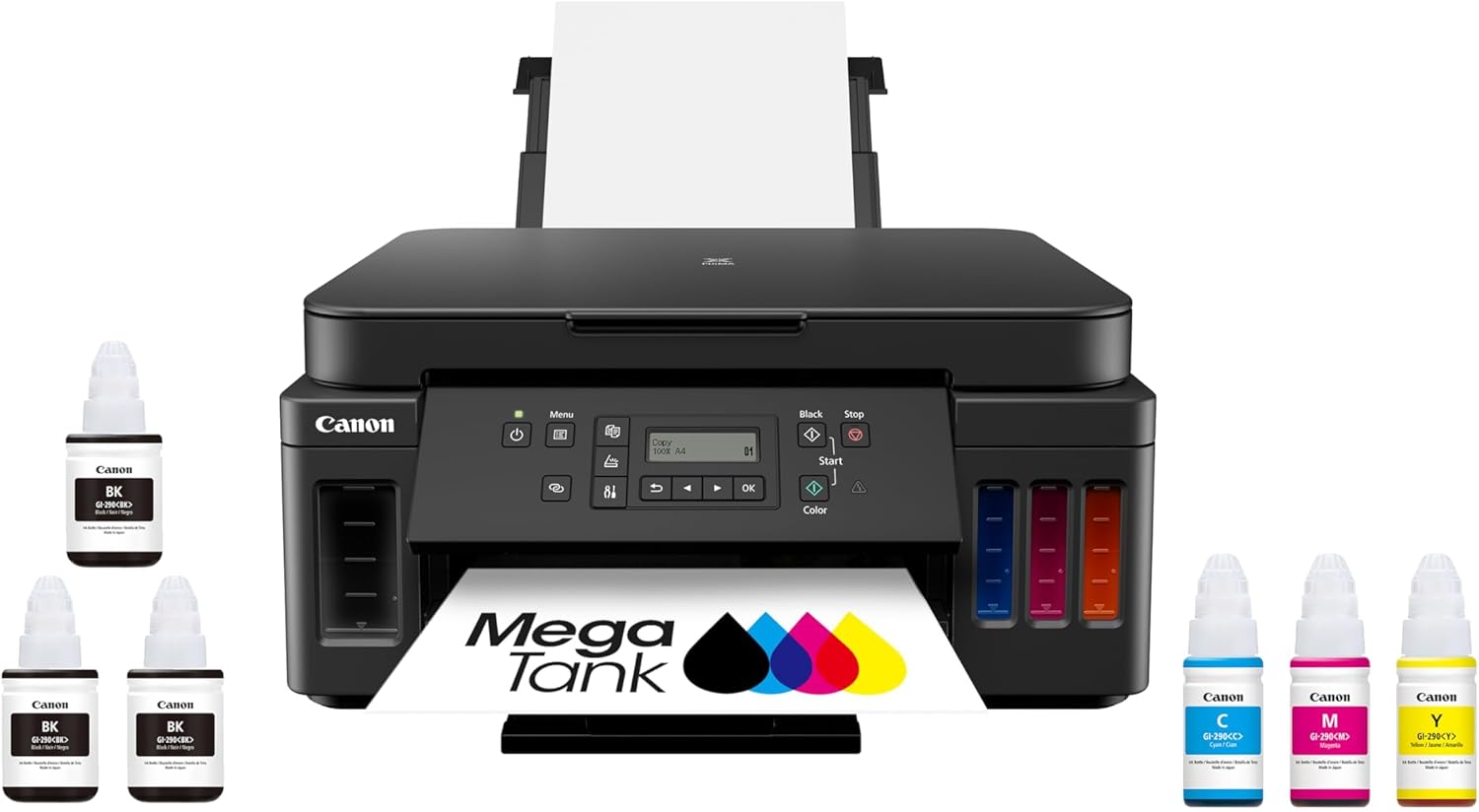 | 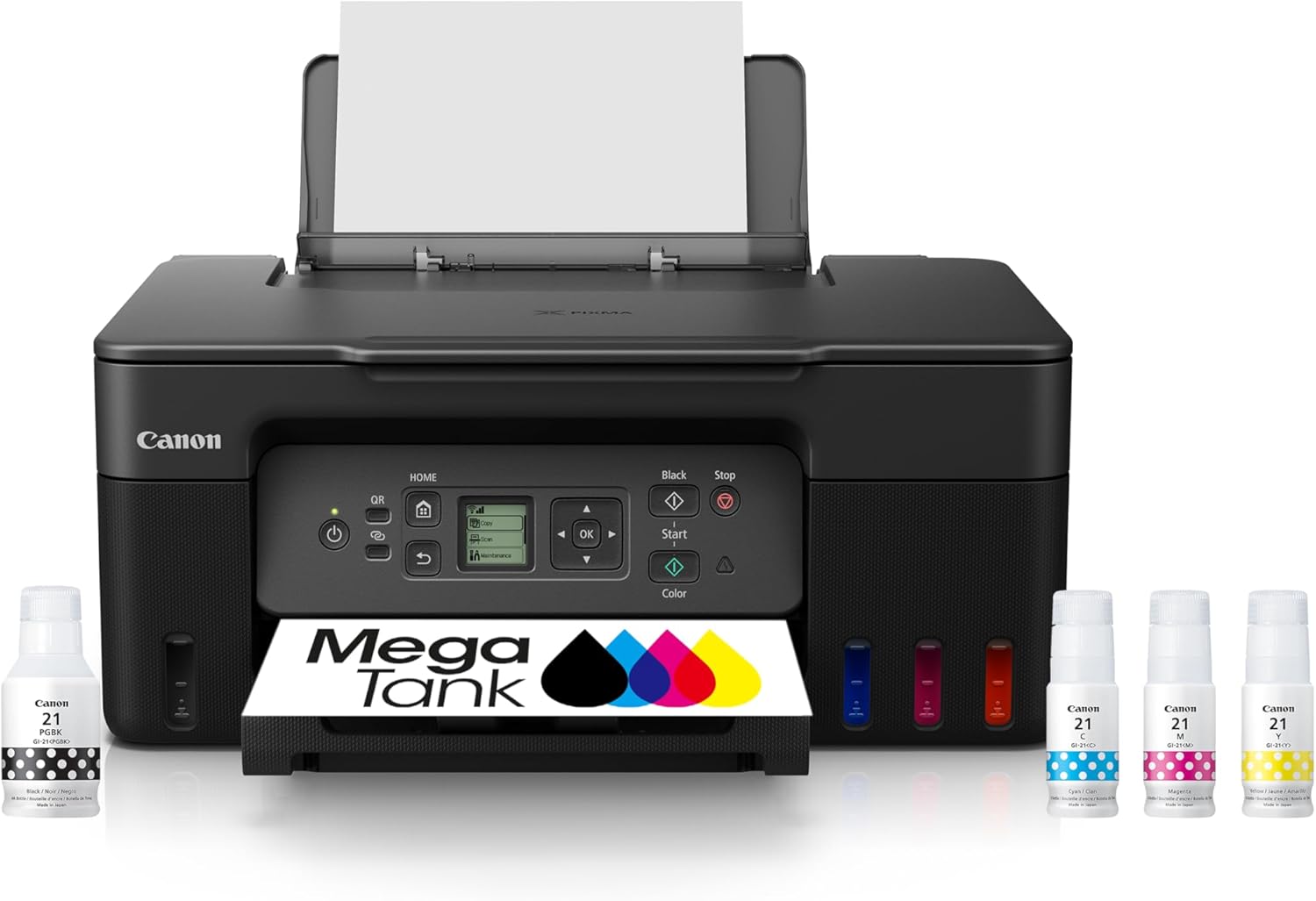 | |
Best for | Families + mixed printing | High-volume home office / small business | Photos, art prints, creative projects | High-yield home office printing | Tight budgets + basics |
Ink system | Refillable ink bottles | Refillable MegaTank | Refillable EcoTank (photo-focused) | Refillable MegaTank | Refillable MegaTank |
Prints a lot without refills | Yes (high-yield design) | Yes (built for volume) | Yes (low cost-per-print focus) | Yes (6,000 black / 7,700 color per set claim) | Yes (budget tank concept) |
Paper capacity vibe | Family-friendly | “I print stacks” (up to 600 sheets cited) | Creative-first, not an office tank | Big (350-sheet capacity) | Basic |
Duplex printing | Depends on config | Typically yes for this class | Yes (common ET-8550 use-case) | Yes (Canon lists duplex capability) | Varies by model/version |
Price |  | | | | |
The goal of monthly maintenance (what you’re actually preventing)
Monthly inkjet maintenance is about preventing four common failures:
- Nozzle clogs / missing lines
- Paper feed issues / jams
- Smudging and roller marks
- Ink waste from frequent cleaning cycles
You’re not trying to “service” the printer. You’re keeping it in a clean, predictable state.
The 10–15 minute monthly routine (do this once a month)
Step 1: Print a nozzle check/test page (1 minute)
Print a simple test pattern or a page with:
- black text
- small color blocks
What you’re looking for
- missing lines
- broken text
- faint colors
- streaks
If the test page looks good, you just prevented the “surprise clog” later.
Top 5 Picks:
- Best overall for most people: HP Smart Tank 7301 (balanced speed/features + easy home use).
- Best for home office volume: Canon MAXIFY GX7020 MegaTank (big paper capacity + business mindset).
- Best for photos + creative work: Epson EcoTank Photo ET-8550 (borderless 13×19 + standout photo quality).
- Best value all-in-one MegaTank: Canon PIXMA G7020 (high page yield + duplex + big capacity for the money).
- Best budget refillable tank: Canon MegaTank G3270 (cheap entry point that still gives you the ink-tank savings).
Step 2: If needed, run one cleaning cycle (2–5 minutes)
Only do this if the test page shows issues.
Important rule:
Don’t run cleaning cycles repeatedly in a row. That wastes ink and often makes people think the printer is “getting worse.”
Best practice
- Run one cleaning cycle
- Print the test page again
- If it improved but isn’t perfect, wait 30–60 minutes and try once more
Most minor clogs clear with minimal cleaning if you catch them early.
Step 3: Clean the outside + paper input area (2 minutes)
Dust looks harmless, but it causes:
- paper feed problems
- rollers losing grip
- debris inside the printer
What to do
- Wipe the exterior with a dry microfiber cloth
- Clean the paper tray area and input slot
- Remove any loose paper scraps
This is the “quiet fix” that prevents a lot of jam issues.
Feature | |||||
|---|---|---|---|---|---|
| | | | | |
Best for | Families + mixed printing | High-volume home office / small business | Photos, art prints, creative projects | High-yield home office printing | Tight budgets + basics |
Ink system | Refillable ink bottles | Refillable MegaTank | Refillable EcoTank (photo-focused) | Refillable MegaTank | Refillable MegaTank |
Prints a lot without refills | Yes (high-yield design) | Yes (built for volume) | Yes (low cost-per-print focus) | Yes (6,000 black / 7,700 color per set claim) | Yes (budget tank concept) |
Paper capacity vibe | Family-friendly | “I print stacks” (up to 600 sheets cited) | Creative-first, not an office tank | Big (350-sheet capacity) | Basic |
Duplex printing | Depends on config | Typically yes for this class | Yes (common ET-8550 use-case) | Yes (Canon lists duplex capability) | Varies by model/version |
Price | | | | | |
Step 4: Check your paper condition (2 minutes)
Paper is a maintenance item most people forget.
Look for
- curled corners
- humid or wavy sheets
- dusty paper
- mixed paper types in the same stack
What to do
- Replace curled paper
- Store paper flat and covered
- Don’t overload the tray
Bad paper creates printer problems that look like hardware failures.
Step 5: Inspect for roller marks and smudges (2 minutes)
If you see:
- repeating marks at the same spot on every page
- streaks that look like dirt, not ink
- smudges near edges
…it often points to rollers picking up residue.
What to do
- Print 3–5 blank pages on plain paper (it can help “push through” residue)
- Keep paper dust low by storing paper properly
- Avoid touching printable surfaces before loading
If marks repeat consistently, it’s usually path contamination, not a “bad print head.”
Step 6: Do a quick placement and environment check (1 minute)
Your printer’s location affects longevity more than most guides admit.
Avoid
- direct sunlight
- next to a heating vent
- dusty shelves
- high-humidity areas
Best
- stable temperature
- moderate humidity
- no direct airflow blasting the printer
This reduces drying at the nozzle and keeps paper feeding consistent.
Step 7: Review your usage pattern (1 minute)
This is the part that prevents clogs long-term.
If you print rarely, add a simple habit:
- print a small test page weekly or biweekly
Monthly maintenance works best when the printer gets occasional use between checkups.
The “if you do nothing else” monthly checklist
If you want the 80/20 version:
- ✅ Print a nozzle/test page
- ✅ Run one cleaning cycle only if needed
- ✅ Remove dust from tray/input area
- ✅ Check paper for curl/humidity
- ✅ Store paper properly
That alone prevents most of the problems that make printers feel unreliable.
Monthly maintenance mistakes (that actually shorten lifespan)
Mistake 1: Over-cleaning
Running multiple cleaning cycles back-to-back:
- wastes ink
- can overwork the system
- doesn’t magically fix severe clogs faster
Clean only when you see symptoms.
Mistake 2: Letting paper sit exposed for months
Paper absorbs humidity and curls.
Curl causes misfeeds.
Misfeeds cause jams.
Jams cause frustration.
Store paper covered and flat.
Mistake 3: Powering off incorrectly
Always use the printer’s power button when possible so it parks the print head properly.
Mistake 4: Ignoring the environment
Dry heat + dust is the perfect recipe for clogs and feed issues.
What to do every 3–6 months (optional but helpful)
If you want longer life and fewer surprises:
- Replace your paper stock with fresh, flat sheets
- Inspect inside the printer for obvious debris (don’t touch delicate parts)
- If you print photos, do a quick calibration check so color stays consistent
- Confirm your print settings still match your paper type habits
This keeps performance stable over time.
FAQ: Inkjet Printer Maintenance
How often should I maintain an inkjet printer?
Monthly maintenance is a great baseline. If you print heavily, add weekly checks. If you print rarely, do a small test print weekly or biweekly.
What’s the most important maintenance step?
Printing a nozzle/test page and addressing issues early. Catching clogs early prevents ink waste and larger failures.
Is it bad to run printhead cleaning often?
Yes. Excessive cleaning wastes ink and doesn’t prevent clogs as well as regular printing does.
Why does my printer clean itself so much?
Often due to infrequent printing, environmental dryness, or minor nozzle issues. A monthly routine plus small periodic printing reduces this.
Can paper really cause printer issues?
Absolutely. Curled, humid, or dusty paper contributes to jams, smudges, and inconsistent feeding.
Final takeaway
Inkjet printers last longer when you treat them like a tool that needs light, predictable upkeep, not emergency fixes.
Do the monthly routine:
- test page
- minimal cleaning only if needed
- paper + dust check
- environment sanity check
…and you’ll get fewer clogs, fewer jams, less wasted ink, and a printer that actually feels reliable year after year.
Other Interesting Articles
- Best Cheap Printers With Cheap Ink (2026): 5 Picks That Stay Affordable After Checkout
- Best Printers With Refillable Ink Tanks (2026): 5 Picks That Actually Save You Money
- Epson EcoTank Photo ET-8550 vs Canon imagePROGRAF PRO-300: Which Photo Printer is Best?
- Epson EcoTank Photo ET-8550 vs ET-15000: Beautiful Photos or Common Office Printer
- Epson EcoTank Photo ET-8550 vs Canon PIXMA PRO-200S: Price or Quality Photo Printing
- Epson EcoTank Photo ET-8550 vs ET-8500: One Major Difference You Need to Know
About RegalPrinter
RegalPrinter offers the best reviews for inkjet printers, laser printers, 3D printers, and other similar office machines that you use in your everyday life. We provide expert information that will ensure you are making the right decision whenever buying any of these machines. Our “Inkjet Printer Maintenance” post will ensure you know which is right for you.