I'm a participant in the Amazon Services LLC Associates Program, an affiliate advertising program designed to provide a means for me to earn fees by linking to Amazon.com and affiliated sites.
If you’re looking for the best paper for photo printing at home, here’s the truth most guides bury:
There’s no single “best” paper.
There’s the best paper for your lighting, your display style, and your photo type.
So instead of giving you a generic list, this guide helps you choose between glossy vs luster vs matte based on real-world outcomes, what your prints look like, how they hold up, and where they’ll actually live.
Feature | |||||
|---|---|---|---|---|---|
 |  |  | 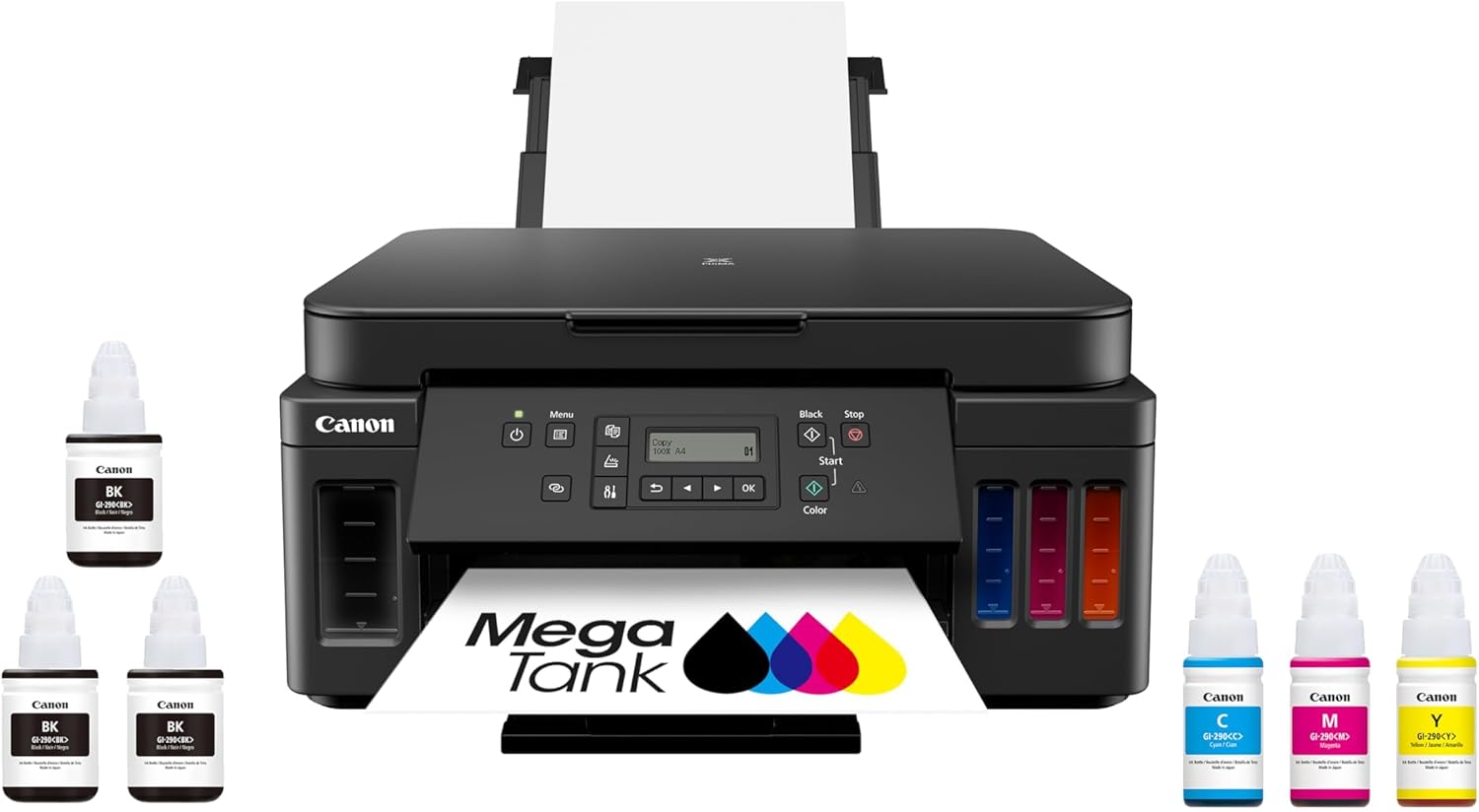 | 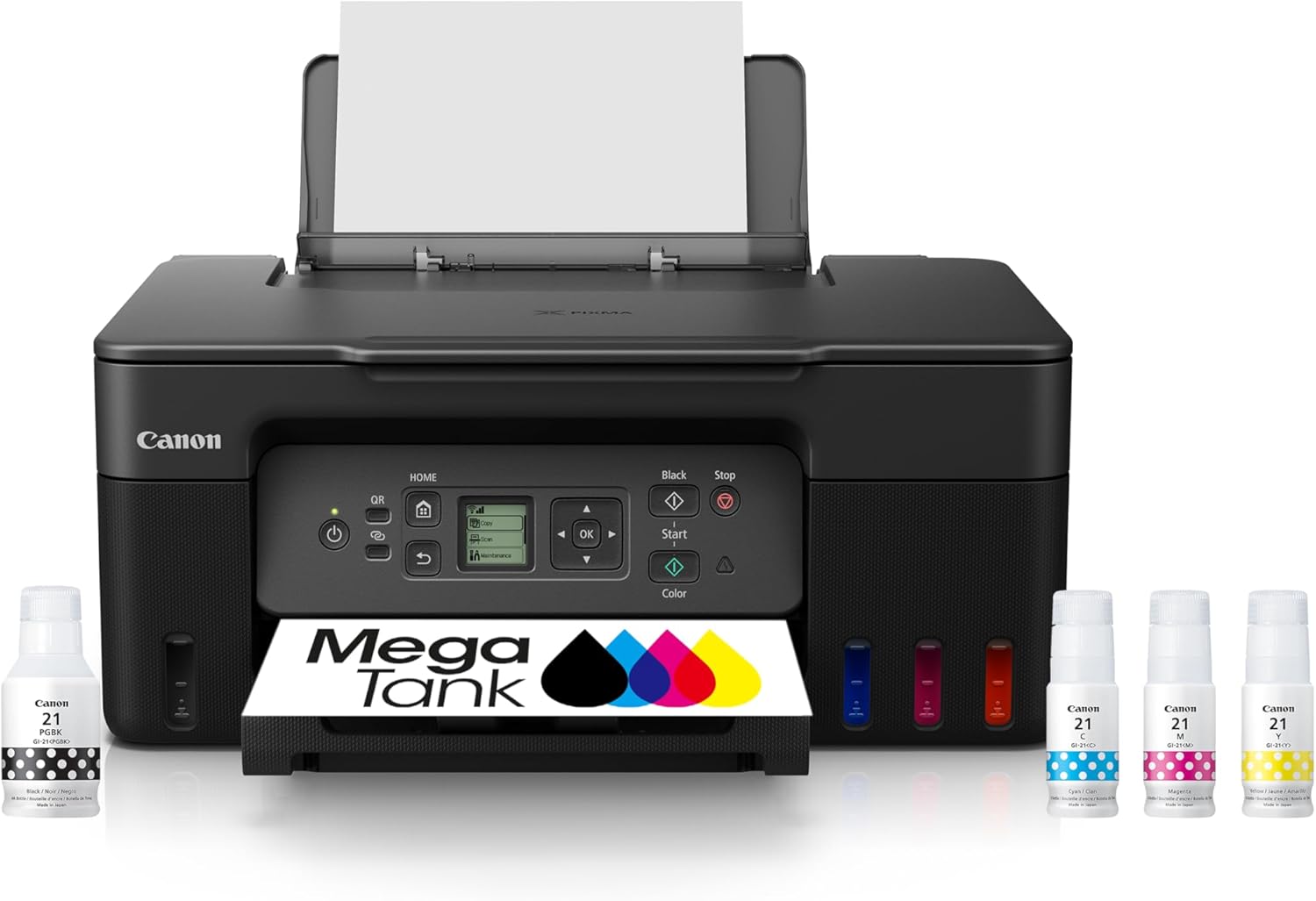 | |
Best for | Families + mixed printing | High-volume home office / small business | Photos, art prints, creative projects | High-yield home office printing | Tight budgets + basics |
Ink system | Refillable ink bottles | Refillable MegaTank | Refillable EcoTank (photo-focused) | Refillable MegaTank | Refillable MegaTank |
Prints a lot without refills | Yes (high-yield design) | Yes (built for volume) | Yes (low cost-per-print focus) | Yes (6,000 black / 7,700 color per set claim) | Yes (budget tank concept) |
Paper capacity vibe | Family-friendly | “I print stacks” (up to 600 sheets cited) | Creative-first, not an office tank | Big (350-sheet capacity) | Basic |
Duplex printing | Depends on config | Typically yes for this class | Yes (common ET-8550 use-case) | Yes (Canon lists duplex capability) | Varies by model/version |
Price |  | | | | |
The Quick Answer
- Glossy = maximum punch, highest contrast, deepest blacks… but glare and fingerprints.
- Luster (sometimes called satin/pearl) = the best all-around “photo lab” look for most people… with less glare.
- Matte = soft, classy, low glare, great for portraits and art-style prints… but blacks aren’t as deep.
If you want one “default” finish for most home photo printing, luster is usually the safest choice.
The biggest mistake people make
They choose paper based on what looks best in the package, not on what looks best in their room.
Paper finish reacts to:
- sunlight vs warm lamps
- framing behind glass vs no glass
- handling (albums, gifts, kids)
- the type of image (high contrast, portraits, landscapes)
A paper that looks incredible in one setup can look disappointing in another.
Top 5 Picks:
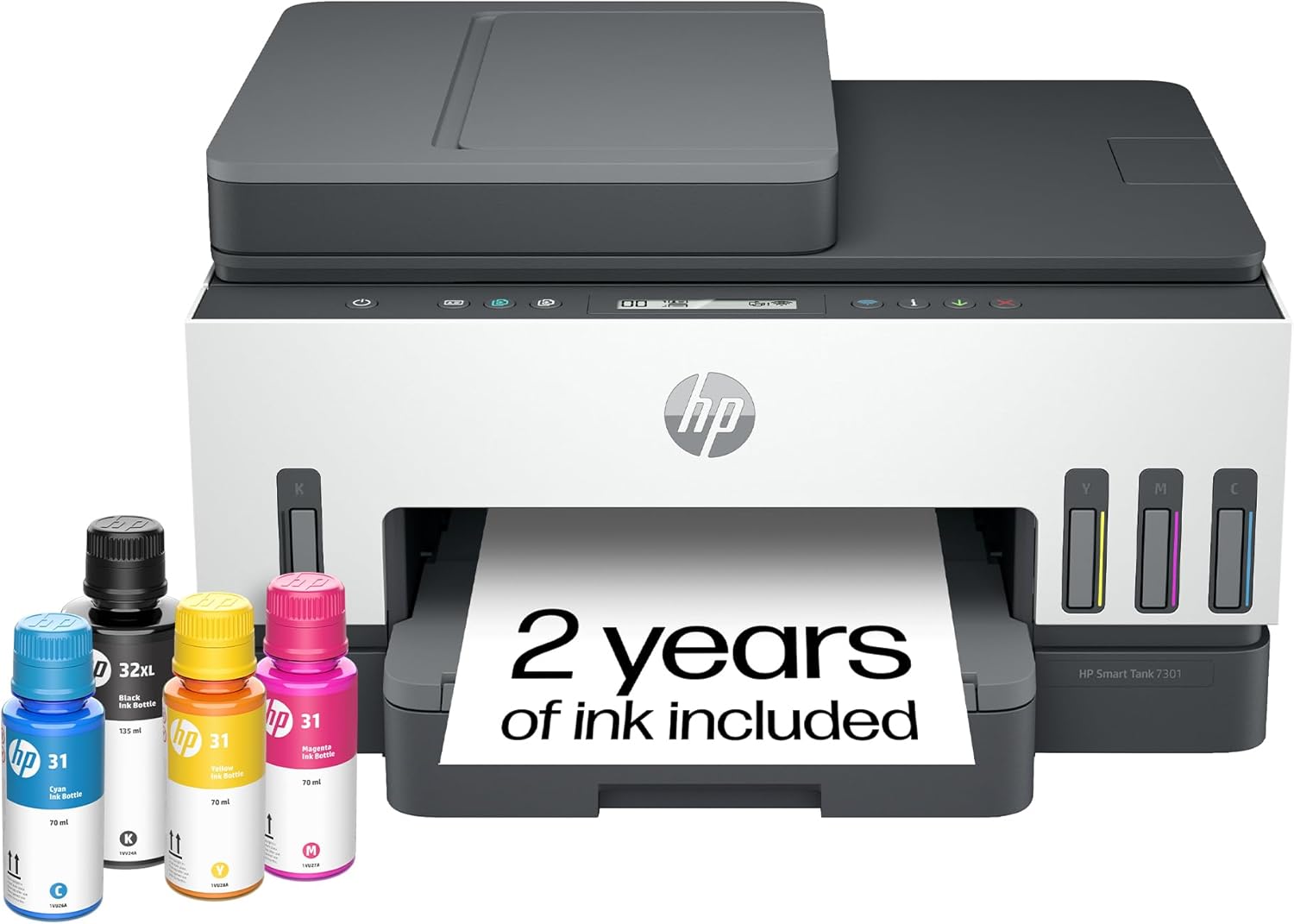
- Best overall for most people: HP Smart Tank 7301 (balanced speed/features + easy home use).
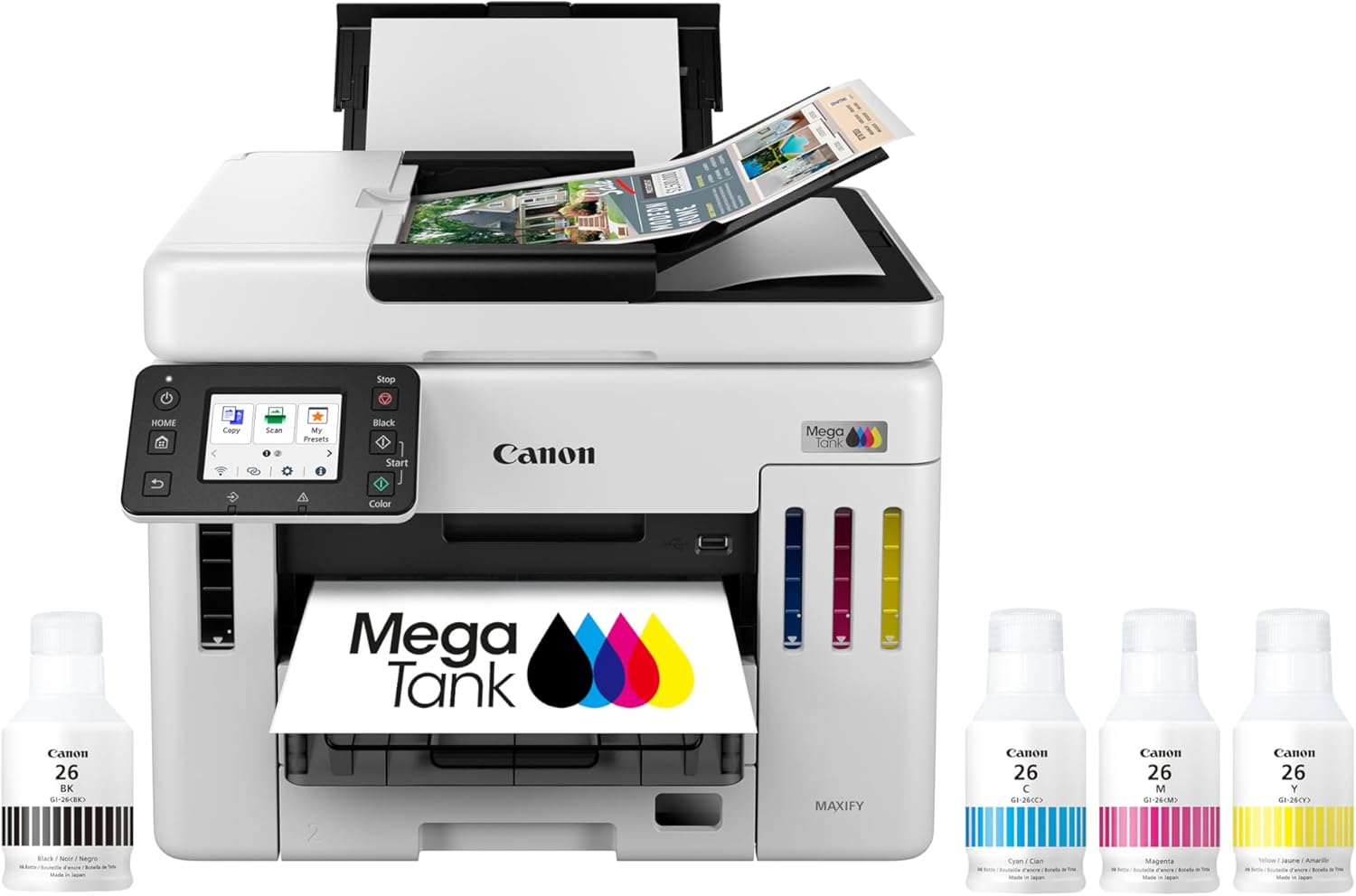
- Best for home office volume: Canon MAXIFY GX7020 MegaTank (big paper capacity + business mindset).
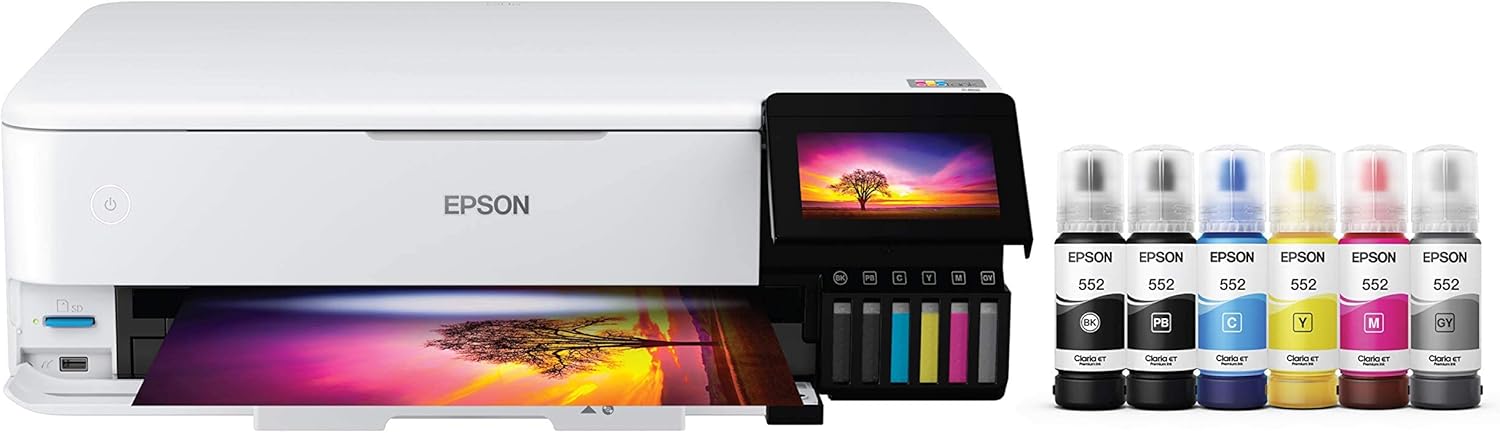
- Best for photos + creative work: Epson EcoTank Photo ET-8550 (borderless 13×19 + standout photo quality).
- Best value all-in-one MegaTank: Canon PIXMA G7020 (high page yield + duplex + big capacity for the money).
- Best budget refillable tank: Canon MegaTank G3270 (cheap entry point that still gives you the ink-tank savings).
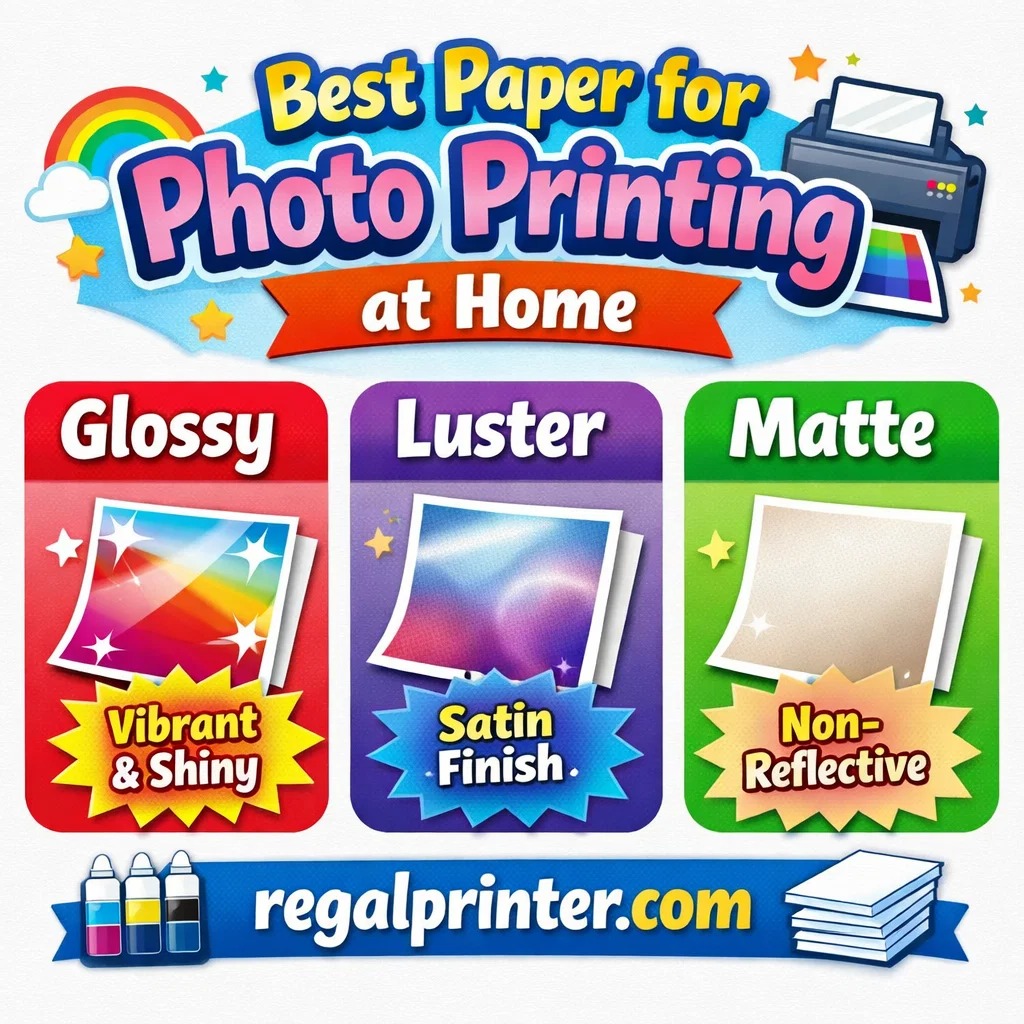
Glossy vs Luster vs Matte: what changes visually
Glossy photo paper
What it looks like
- Most vibrant colors
- Highest contrast
- Deepest perceived blacks
- “Wet” look that makes images pop
What can go wrong
- Glare can hide detail (especially in bright rooms)
- Fingerprints show easily
- Scratches show more
Best for
- vivid landscapes
- travel photos
- nightlife/bright color scenes
- prints you’ll frame in controlled lighting
- gifts that need “wow” impact
Avoid glossy if
- the print will be viewed under harsh overhead lighting
- you hate glare
- kids will touch it constantly
Feature | |||||
|---|---|---|---|---|---|
| | | | | |
Best for | Families + mixed printing | High-volume home office / small business | Photos, art prints, creative projects | High-yield home office printing | Tight budgets + basics |
Ink system | Refillable ink bottles | Refillable MegaTank | Refillable EcoTank (photo-focused) | Refillable MegaTank | Refillable MegaTank |
Prints a lot without refills | Yes (high-yield design) | Yes (built for volume) | Yes (low cost-per-print focus) | Yes (6,000 black / 7,700 color per set claim) | Yes (budget tank concept) |
Paper capacity vibe | Family-friendly | “I print stacks” (up to 600 sheets cited) | Creative-first, not an office tank | Big (350-sheet capacity) | Basic |
Duplex printing | Depends on config | Typically yes for this class | Yes (common ET-8550 use-case) | Yes (Canon lists duplex capability) | Varies by model/version |
Price | | | | | |
Luster (Satin/Pearl) photo paper
What it looks like
- Slight sheen, not mirror-like
- Strong color and contrast
- More “professional lab print” vibe
- Handles light better than glossy
Why it’s a favorite
- Reduced glare
- Fewer fingerprints
- Still gives rich color and blacks
- More forgiving under glass frames
Best for
- most family photos
- weddings, events, portraits
- framing in normal rooms
- prints you’ll handle more than once
If you only buy one finish
Luster is usually the “best default” because it balances pop + usability.
Matte photo paper
What it looks like
- No shine
- Soft contrast
- More “fine art” feel
- Very readable detail in bright rooms
What can go wrong
- blacks can look more charcoal than deep black
- colors can feel less saturated (depending on the photo)
- can show scuffs if handled roughly (varies by coating)
Best for
- portraits (especially softer edits)
- black-and-white prints
- moody photos with gentle highlights
- prints hung in bright rooms where glare is a problem
- art prints and illustration-style work
Matte is the choice when
You want the print to look intentional and timeless, not glossy and modern.
Which finish lasts longer?
This is where competitors often overpromise.
Longevity depends on three things:
- ink type (pigment tends to be more durable than dye)
- paper quality/coating
- display conditions (sunlight, humidity, air quality)
That said, here’s the practical takeaway:
- If your print will be exposed to bright light often, prioritize better paper and consider more fade-resistant workflows.
- If it’s going in an album or drawer, finish matters less.
Finish alone doesn’t guarantee longevity. The whole system does.
The best paper depends on where the print will live
If it’s going on a wall near windows
Choose luster or matte.
Glossy glare + sunlight is the fastest way to make a print look “off.”
If it’s going in a frame behind glass
Luster often performs best because it doesn’t create double glare the way glossy can.
If it’s going in an album or handled frequently
Luster usually wins because it resists fingerprints better than glossy and maintains photo richness better than matte.
If it’s a portfolio or “art print” look
Matte is usually the move. It looks premium, intentional, and easy to view under all lighting.
Match paper finish to photo type (a cheat sheet)
Glossy is best for:
- high saturation photos
- sunsets, neon, travel shots
- images with deep blacks and strong contrast
Luster is best for:
- portraits and people
- weddings, events, family photos
- “everything” prints
- framing in average home lighting
Matte is best for:
- portraits with soft edits
- black-and-white photography
- minimalism, moody images
- prints where glare would ruin the experience
Paper weight and thickness: what actually matters
Finish is only half the story.
Heavier papers often feel more premium because they:
- lie flatter
- feel less “cheap”
- resist curling better
- handle framing more cleanly
If your prints feel flimsy, it’s usually a paper weight issue, not an ink issue.
The “paper type” setting matters more than people think
The printer needs to know what paper you’re using.
Choosing the right paper type controls:
- ink density
- drying behavior
- color output
- detail rendering
A glossy sheet printed with “plain paper” settings will look washed out and disappointing.
Rule:
Paper finish in your hand should match paper type in your print settings.
That one change fixes a shocking number of “my prints look bad” complaints.
Common problems and fixes
“My glossy prints look amazing… except I can’t see them”
That’s glare. Switch to luster, or change viewing angle/lighting.
“My matte prints look dull”
Boost contrast slightly in the file before printing, or try luster for more pop.
“My prints look washed out on any paper”
Check:
- correct paper type setting
- print quality set to high
- screen brightness too high during editing
- color management conflicts (double correction)
“My prints curl”
Try heavier paper and store prints flat for a while after printing.
FAQ: Best Paper for Photo Printing at Home
What is the best paper for printing photos at home?
For most people, luster (satin/pearl) is the best all-around choice because it balances vibrant color with low glare and fewer fingerprints.
Is glossy or matte better for photos?
Glossy is better for maximum pop and contrast. Matte is better for glare-free viewing and a softer, fine-art look.
What is luster paper, and why do photographers like it?
Luster (often satin/pearl) has a subtle sheen that gives strong color like glossy but with less glare and better handling.
Why do my prints look different on different papers?
Paper coatings absorb and reflect ink differently, changing contrast, black depth, and saturation.
Should I use matte paper for portraits?
Often yes, especially for softer portraits, black-and-white, or prints displayed in bright rooms.
Final verdict: best paper for photo printing at home
If you want the simplest, most reliable choice:
Go luster. It’s the best balance of color, contrast, glare control, and day-to-day handling.
Choose glossy when you want maximum pop and you control lighting.
Choose matte when you want zero glare and a premium, art-style look.
Paper isn’t just a surface, it’s part of the image. When you match the finish to the photo and the room, home prints stop looking “home printed” and start looking intentional.
Other Interesting Articles
- Best Cheap Printers With Cheap Ink (2026): 5 Picks That Stay Affordable After Checkout
- Best Printers With Refillable Ink Tanks (2026): 5 Picks That Actually Save You Money
- Epson EcoTank Photo ET-8550 vs Canon imagePROGRAF PRO-300: Which Photo Printer is Best?
- Epson EcoTank Photo ET-8550 vs ET-15000: Beautiful Photos or Common Office Printer
- Epson EcoTank Photo ET-8550 vs Canon PIXMA PRO-200S: Price or Quality Photo Printing
- Epson EcoTank Photo ET-8550 vs ET-8500: One Major Difference You Need to Know
About RegalPrinter
RegalPrinter offers the best reviews for inkjet printers, laser printers, 3D printers, and other similar office machines that you use in your everyday life. We provide expert information that will ensure you are making the right decision whenever buying any of these machines. Our “Best Paper for Photo Printing at Home” post will ensure you know which is right for you.