I'm a participant in the Amazon Services LLC Associates Program, an affiliate advertising program designed to provide a means for me to earn fees by linking to Amazon.com and affiliated sites.
If you’re wondering “Do you need a photo printer?” you’re already ahead of most buyers.
Because the truth is: a lot of people buy a “photo printer” when what they really needed was a printer that’s simply photo-ready, good enough for occasional family prints without the extra cost, complexity, and workflow.
Here’s the verdict up front:
- You need a true photo printer if you care about high-quality photos as the main purpose (display prints, portfolios, gifts, selling prints, long-lasting color).
- “Photo-ready” is enough if you print photos occasionally, you’re not ultra picky about subtle gradients and blacks, and most prints end up in albums or on the fridge.
- The deciding factors are print size, paper type, color accuracy expectations, and how long you want prints to last, not marketing labels.
Let’s make the decision obvious.
Feature | |||||
|---|---|---|---|---|---|
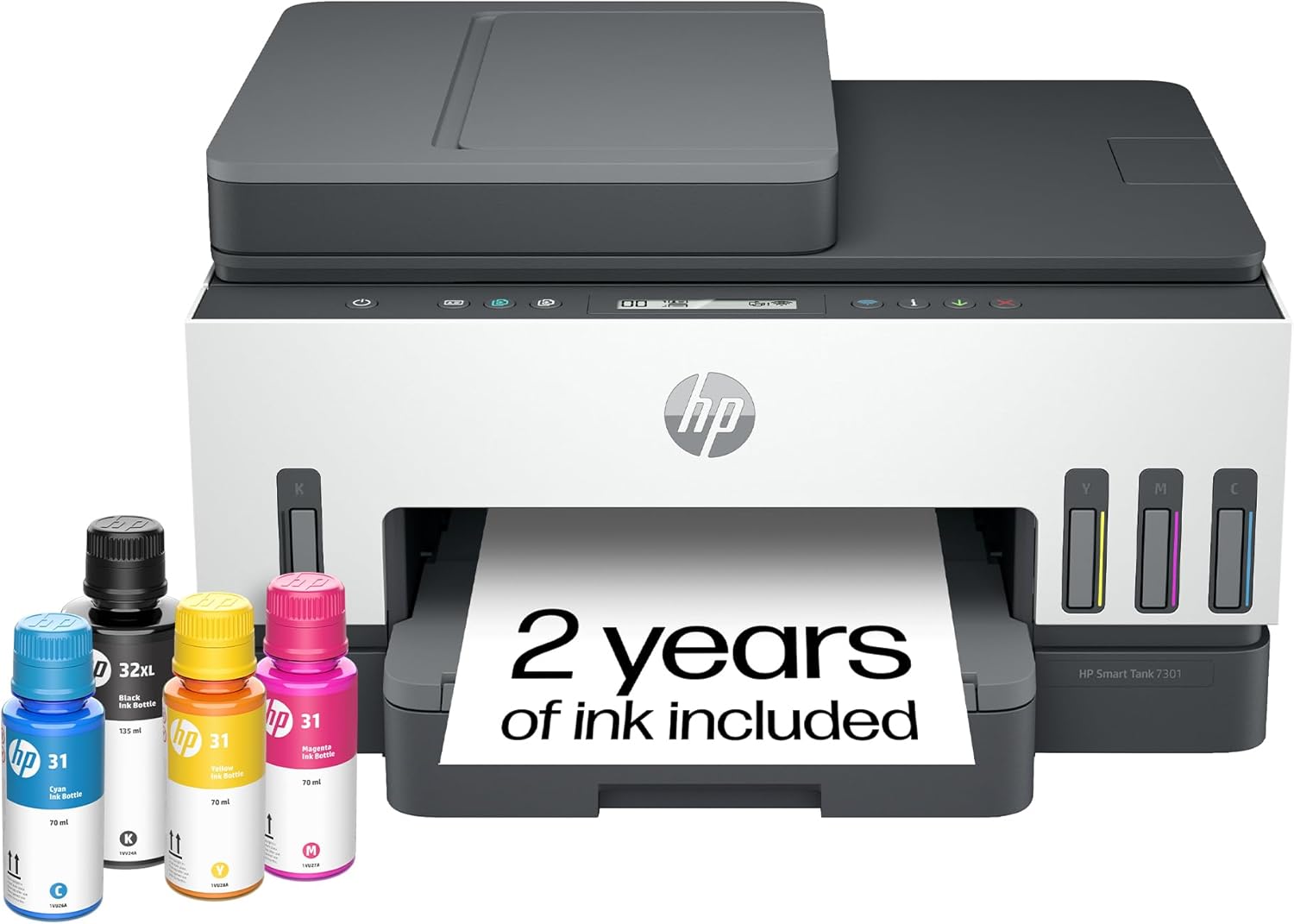 |  |  |  |  | |
Best for | Families + mixed printing | High-volume home office / small business | Photos, art prints, creative projects | High-yield home office printing | Tight budgets + basics |
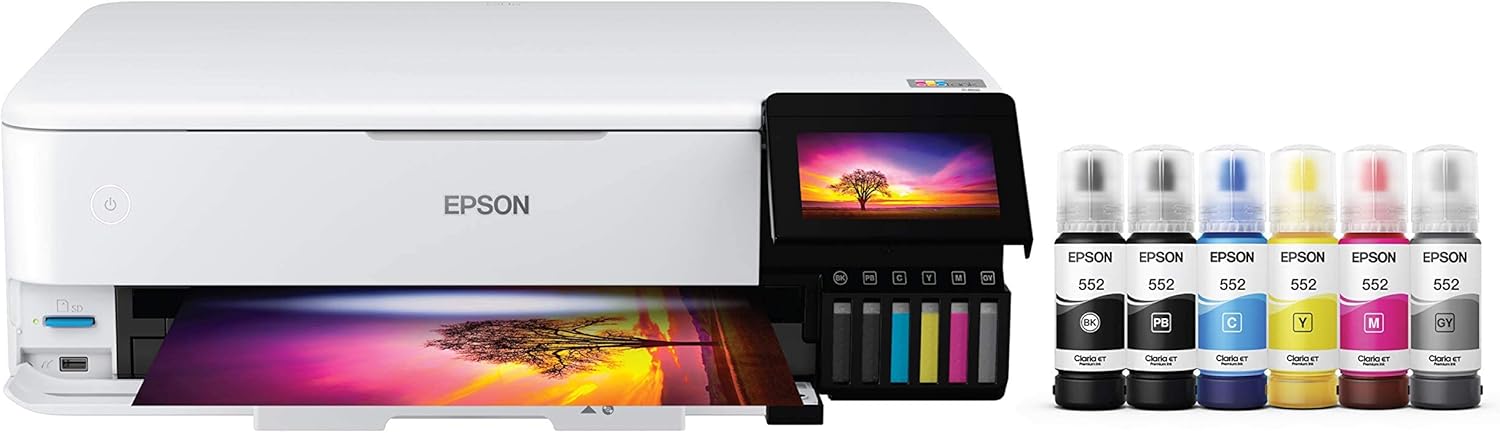
Ink system | Refillable ink bottles | Refillable MegaTank | Refillable EcoTank (photo-focused) | Refillable MegaTank | Refillable MegaTank |
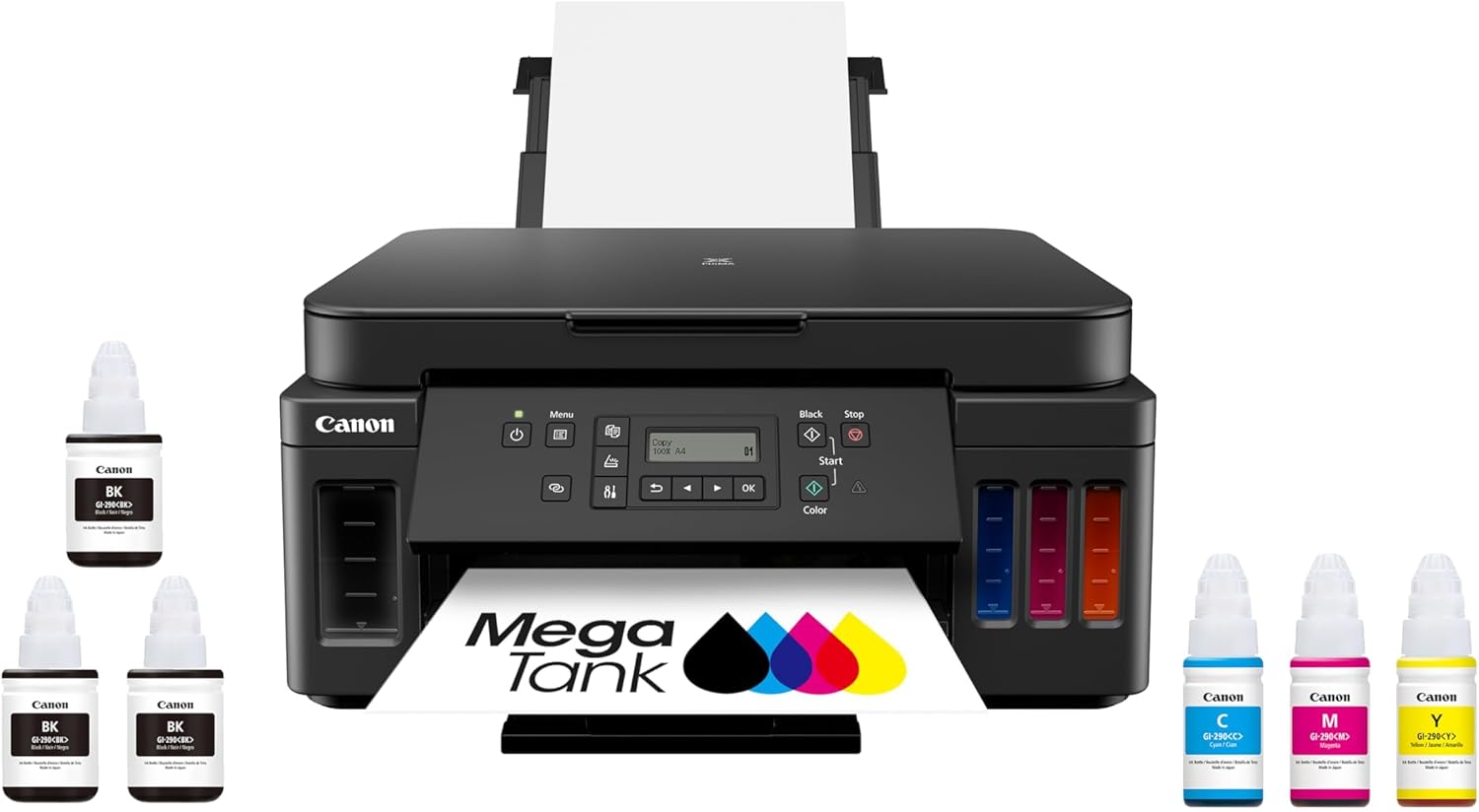
Prints a lot without refills | Yes (high-yield design) | Yes (built for volume) | Yes (low cost-per-print focus) | Yes (6,000 black / 7,700 color per set claim) | Yes (budget tank concept) |
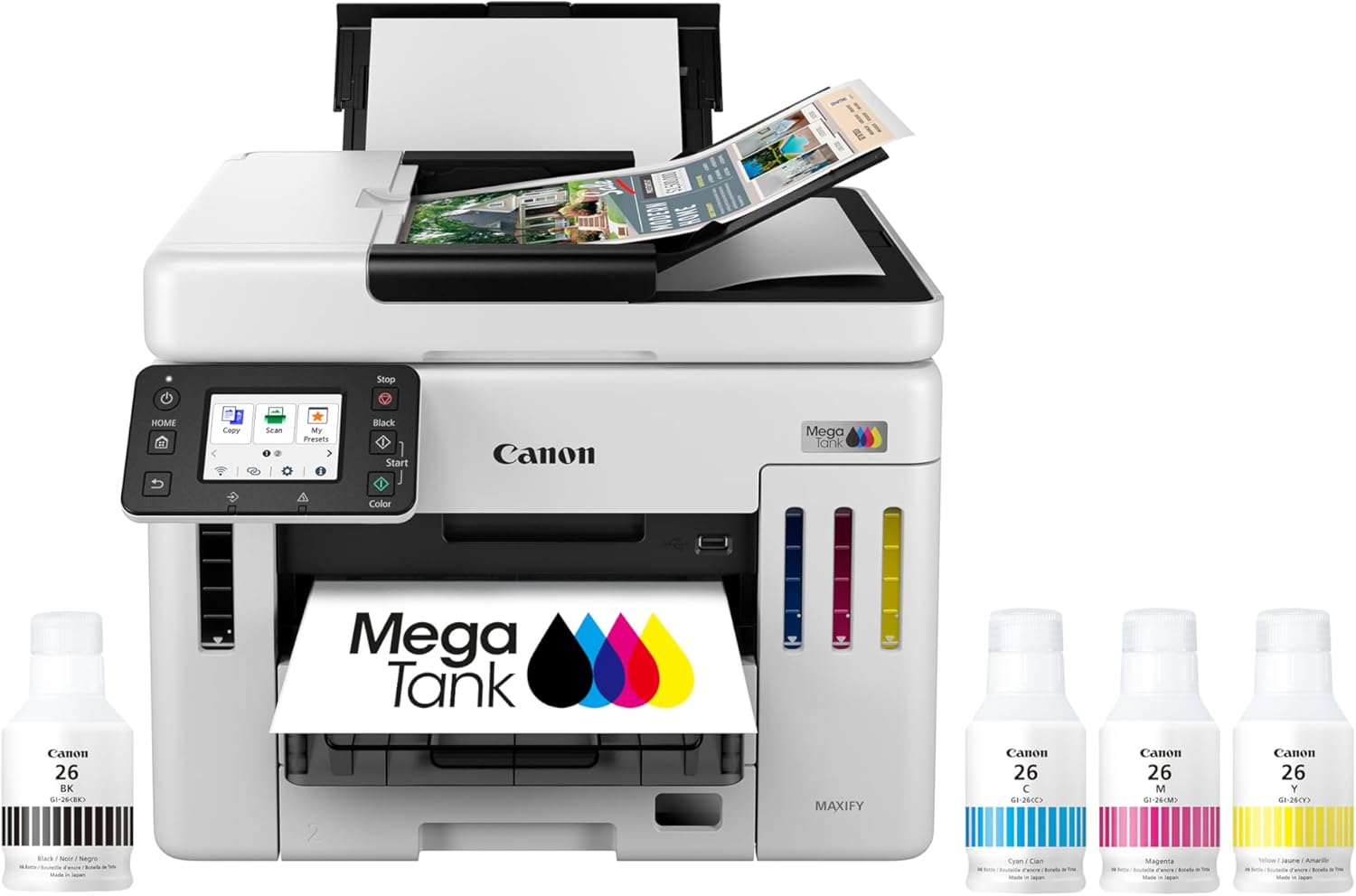
Paper capacity vibe | Family-friendly | “I print stacks” (up to 600 sheets cited) | Creative-first, not an office tank | Big (350-sheet capacity) | Basic |
Duplex printing | Depends on config | Typically yes for this class | Yes (common ET-8550 use-case) | Yes (Canon lists duplex capability) | Varies by model/version |
Price |  | | | | |
First: what “photo printer” really means (not the marketing version)
A “photo printer” is not just a printer that can print photos.
It’s a printer designed to prioritize:
- better tonal range (smooth gradients)
- better color nuance (skin tones, shadows)
- better black depth (less “grayish” blacks)
- better paper handling (photo papers, heavier media)
- often, better longevity for prints
A “photo-ready” printer can print photos.
A photo printer is built to make them look right.
Top 5 Picks:
- Best overall for most people: HP Smart Tank 7301 (balanced speed/features + easy home use).
- Best for home office volume: Canon MAXIFY GX7020 MegaTank (big paper capacity + business mindset).
- Best for photos + creative work: Epson EcoTank Photo ET-8550 (borderless 13×19 + standout photo quality).
- Best value all-in-one MegaTank: Canon PIXMA G7020 (high page yield + duplex + big capacity for the money).
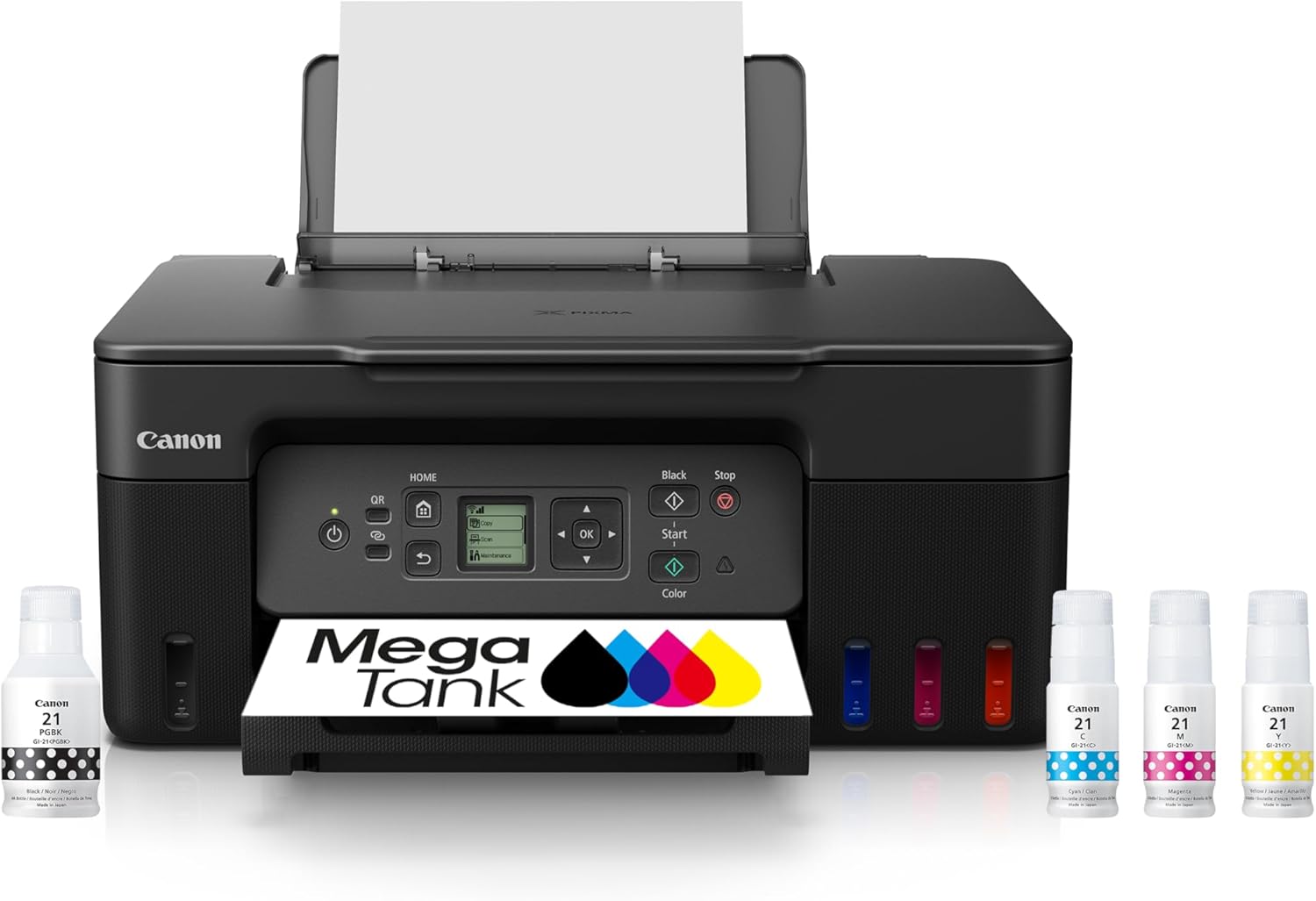
- Best budget refillable tank: Canon MegaTank G3270 (cheap entry point that still gives you the ink-tank savings).
The simplest decision test (60 seconds)
Answer these four questions:
1) Will you print photos more than once a month?
- Yes → you may benefit from a photo printer
- No → photo-ready is usually enough
2) Do you care if a print looks exactly like your screen?
- Yes → photo printer (and a color-managed workflow)
- No → photo-ready is fine
3) Are you printing bigger than standard snapshots?
- Yes → photo printer
- No → photo-ready is often enough
4) Do you want prints to last years without fading?
- Yes → photo printer + better paper/ink workflow
- No → photo-ready is fine for casual use
If you answered “yes” to 2 or more, photo printer starts to make sense.
What “photo-ready” actually gets you (and where it breaks)
A photo-ready printer is usually enough for:
- casual family prints
- school projects with photos
- quick gifts
- small album prints
- occasional “I want it right now” prints
If you use decent paper and correct settings, the results can be surprisingly good.
Where photo-ready breaks down
You’ll notice limitations when you print:
- dark scenes (blacks look gray)
- skin tones (faces look slightly off)
- subtle gradients (banding or uneven transitions)
- high-contrast photos (muddy shadows)
- glossy prints that feel “dull” compared to lab prints
Photo-ready is “good.”
Photo printer is “that looks professional.”
Feature | |||||
|---|---|---|---|---|---|
| | | | | |
Best for | Families + mixed printing | High-volume home office / small business | Photos, art prints, creative projects | High-yield home office printing | Tight budgets + basics |
Ink system | Refillable ink bottles | Refillable MegaTank | Refillable EcoTank (photo-focused) | Refillable MegaTank | Refillable MegaTank |
Prints a lot without refills | Yes (high-yield design) | Yes (built for volume) | Yes (low cost-per-print focus) | Yes (6,000 black / 7,700 color per set claim) | Yes (budget tank concept) |
Paper capacity vibe | Family-friendly | “I print stacks” (up to 600 sheets cited) | Creative-first, not an office tank | Big (350-sheet capacity) | Basic |
Duplex printing | Depends on config | Typically yes for this class | Yes (common ET-8550 use-case) | Yes (Canon lists duplex capability) | Varies by model/version |
Price | | | | | |
What a true photo printer changes (in real life)
A dedicated photo printer is designed to handle the hard stuff:
1) Better tonal smoothness
Photos aren’t just colors, they’re transitions as well.
A true photo printer is better at:
- smooth skies
- shadow detail
- soft gradients in skin tones
- avoiding “posterization” or banding
2) Better blacks and shadow detail
Casual printers often struggle with deep blacks and shadow nuance, especially on certain paper finishes.
Photo-focused systems tend to deliver:
- richer blacks
- more separation in dark areas
- less “washed out” look
3) Better color accuracy (especially faces)
If you’ve ever printed a photo where the person looks:
- too orange
- too pink
- too gray
- too green
…you’ve hit the difference between “prints photos” and “prints photos well.”
4) Better paper handling
Photo printing is as much about paper as ink.
True photo printers usually handle:
- thicker papers more confidently
- photo finishes more consistently
- borderless printing more predictably
(And they tend to give you settings that actually match photo paper types.)
The hidden cost: what “photo printer” ownership asks of you
This is where competitor articles often oversell.
Photo printing at home can be amazing, but it comes with tradeoffs:
Photo printing demands paper discipline
If you print on cheap paper:
- colors look flat
- blacks look weak
- glossy looks hazy
- prints can smudge or scuff
High-quality photo printing is paper-dependent.
Photo printing asks for settings consistency
You’ll get better results if you’re willing to:
- select the correct paper type
- use high quality modes when needed
- avoid “eco ink saving” for photos
- keep color management consistent
If you want “press print and forget,” photo-ready may fit your lifestyle better.
Photo printing can expose screen problems
Many people edit photos on overly bright screens. Then the print looks dull.
If you want true photo quality:
- you may need to lower screen brightness
- avoid over-editing for “phone look”
- accept that print is a different medium
The real-world scenarios that justify a photo printer
You should consider a photo printer if:
- You frame photos for your home
- You make gifts like prints and keepsakes
- You print art, illustration, or portfolios
- You care about accurate skin tones
- You want consistent, repeatable results
- You plan to print often enough that quality matters
This is where the “photo printer” premium becomes worth it.
When “photo-ready” is absolutely enough (and smarter)
Photo-ready is the better choice if:
- You print photos a few times a year
- Most prints are small and casual
- You’re fine with “looks good” not “looks perfect”
- Your bigger priority is documents, school, and general home printing
- You want low maintenance and minimal fuss
Most households fall into this category.
And here’s a quiet truth:
You can get great results with photo-ready printing by dialing in paper + settings.
The 3 things that matter more than “photo printer” labels
1) Paper finish
Glossy vs luster vs matte changes perceived quality dramatically.
A photo-ready printer on the right paper often beats a photo printer on the wrong paper.
2) Print settings (paper type + quality)
Wrong paper type is the #1 reason photos look washed out or dull.
3) Lighting
A print judged under a warm dim lamp will look worse than it should.
A lot of “bad photo printer” complaints are really “bad lighting.”
FAQ: Do You Need a Photo Printer?
Do I need a photo printer to print good photos at home?
Not always. If you print occasionally and use good paper/settings, a photo-ready printer can be enough.
What’s the difference between a photo printer and a regular inkjet?
A photo printer is designed for better color accuracy, smoother gradients, deeper blacks, and more consistent photo-paper handling.
Are home photo prints as good as lab prints?
They can be, especially with the right paper and settings, but labs are optimized for consistency without you doing any setup.
When is a photo printer worth it?
When you print often, care about color accuracy and longevity, or want display-quality prints for framing or portfolios.
Why do my printed photos look dull compared to my screen?
Screens are backlit and often too bright. Paper type, print settings, and color management also affect brightness and contrast.
Final verdict: do you need a photo printer?
If your photos are a core hobby, a creative output, or something you display and care about deeply: yes, a photo printer is worth it.
If you just want the occasional family print that looks good and feels easy: no. “Photo-ready” is usually enough, and you’ll be happier choosing based on practical workflow features and using the right paper.
The best choice is the one that matches how you actually print, not how you imagine you’ll print.
Other Interesting Articles
- Best Cheap Printers With Cheap Ink (2026): 5 Picks That Stay Affordable After Checkout
- Best Printers With Refillable Ink Tanks (2026): 5 Picks That Actually Save You Money
- Epson EcoTank Photo ET-8550 vs Canon imagePROGRAF PRO-300: Which Photo Printer is Best?
- Epson EcoTank Photo ET-8550 vs ET-15000: Beautiful Photos or Common Office Printer
- Epson EcoTank Photo ET-8550 vs Canon PIXMA PRO-200S: Price or Quality Photo Printing
- Epson EcoTank Photo ET-8550 vs ET-8500: One Major Difference You Need to Know
About RegalPrinter
RegalPrinter offers the best reviews for inkjet printers, laser printers, 3D printers, and other similar office machines that you use in your everyday life. We provide expert information that will ensure you are making the right decision whenever buying any of these machines. Our “Do You Need a Photo Printer?” post will ensure you know which is right for you.