I'm a participant in the Amazon Services LLC Associates Program, an affiliate advertising program designed to provide a means for me to earn fees by linking to Amazon.com and affiliated sites.
If you’re comparing printers and keep seeing ADF vs Duplex vs Tray Capacity, you’re already in the “smart buyer” zone. These aren’t flashy specs, but they determine whether a printer feels effortless or annoying for the next 3–5 years.
Here’s the verdict up front:
- If you scan or copy multi-page documents even occasionally, ADF matters most.
- If you print more than a few pages at a time, duplex saves the most time and paper.
- If you hate refilling paper or you print in batches, tray capacity is the quiet quality-of-life win.
Most competitor guides list these features. Very few tell you how to choose the right combination for your life. That’s what this guide does.
Feature | |||||
|---|---|---|---|---|---|
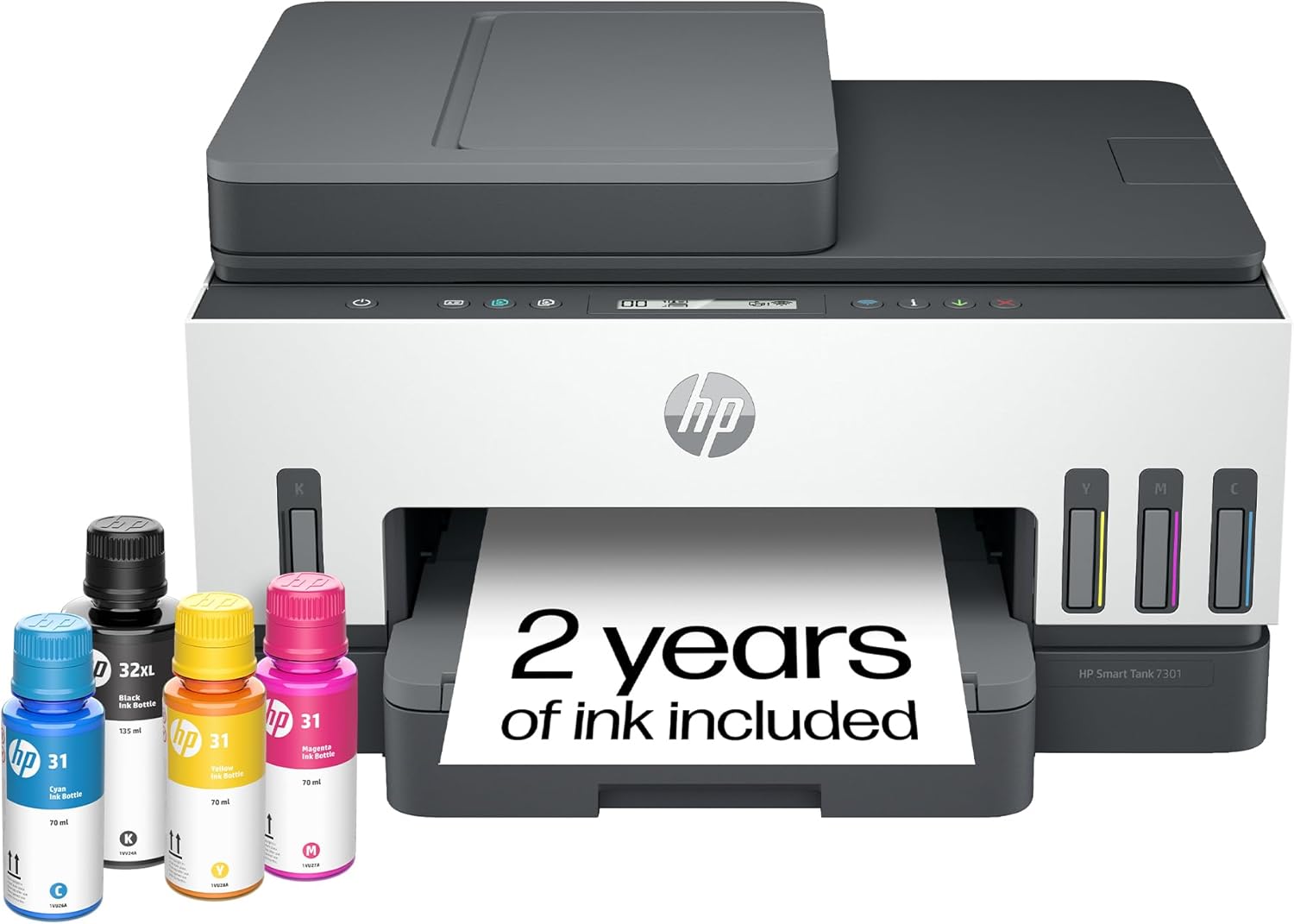 | 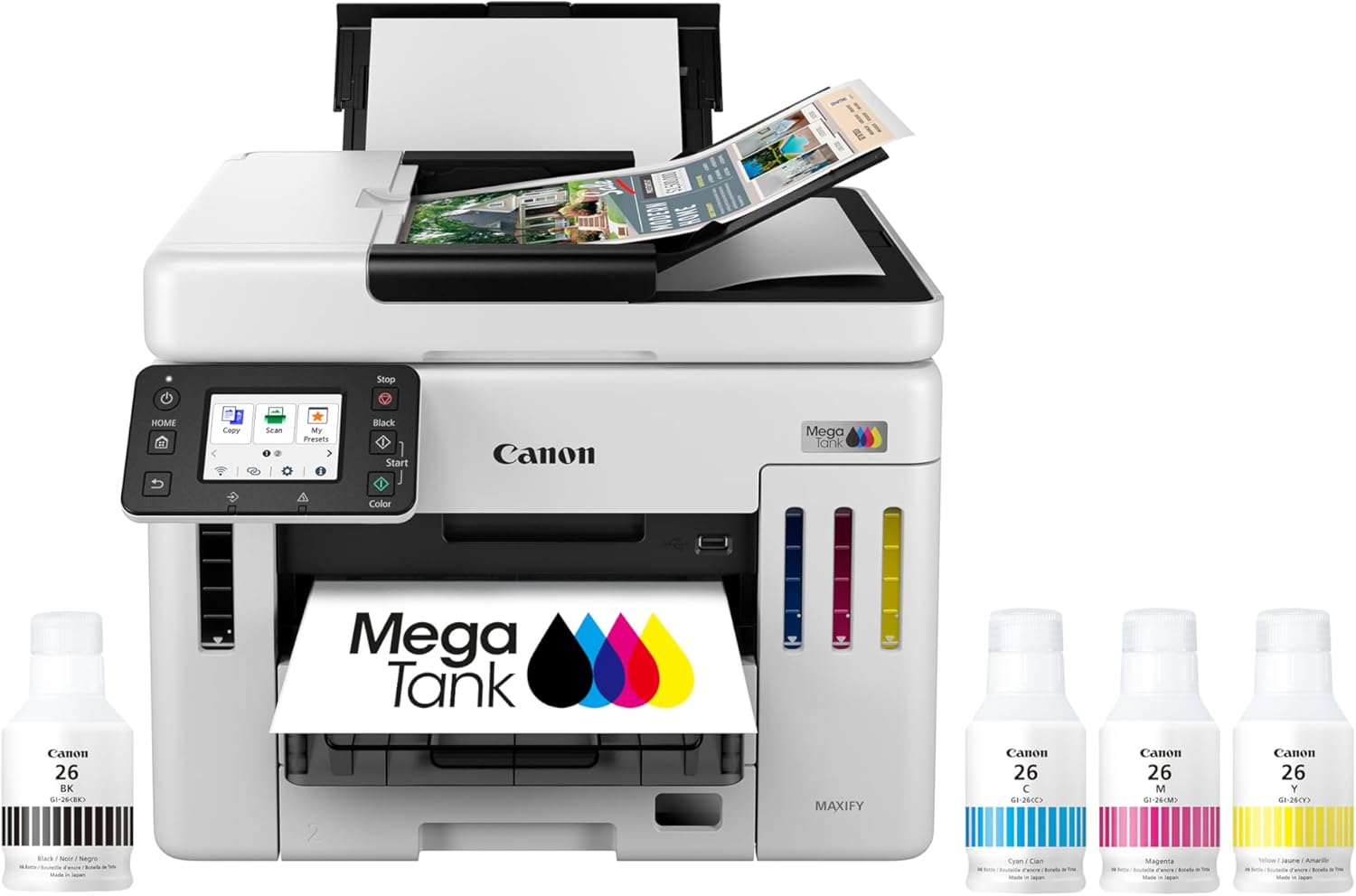 | 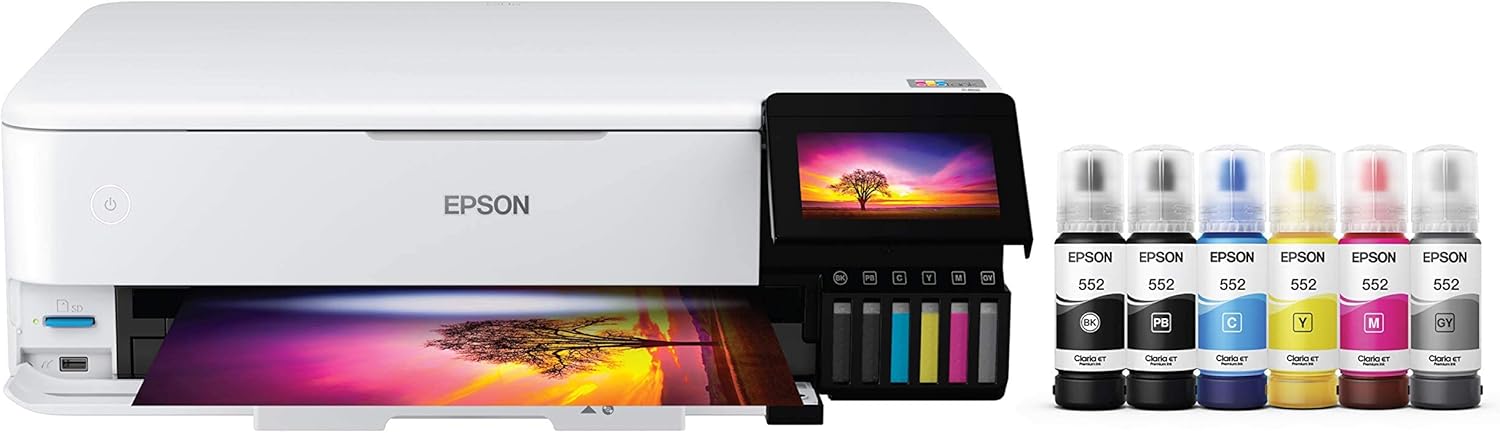 |  |  | |
Best for | Families + mixed printing | High-volume home office / small business | Photos, art prints, creative projects | High-yield home office printing | Tight budgets + basics |
Ink system | Refillable ink bottles | Refillable MegaTank | Refillable EcoTank (photo-focused) | Refillable MegaTank | Refillable MegaTank |
Prints a lot without refills | Yes (high-yield design) | Yes (built for volume) | Yes (low cost-per-print focus) | Yes (6,000 black / 7,700 color per set claim) | Yes (budget tank concept) |
Paper capacity vibe | Family-friendly | “I print stacks” (up to 600 sheets cited) | Creative-first, not an office tank | Big (350-sheet capacity) | Basic |
Duplex printing | Depends on config | Typically yes for this class | Yes (common ET-8550 use-case) | Yes (Canon lists duplex capability) | Varies by model/version |
Price |  | | | | |
Quick definitions (in human language)
ADF (Automatic Document Feeder)
A top-mounted tray that lets you scan/copy multiple pages automatically, instead of placing each page on the glass one by one.
Think: scanning a 12-page packet without babysitting it.
Duplex printing
Printing on both sides of the paper automatically.
Think: “Print double-sided” without manually flipping the stack.
Tray capacity
How many sheets the printer can hold in the main paper tray (and sometimes additional trays).
Think: how often you have to reload paper, and how well the printer handles real workflow.
The #1 mistake buyers make
They choose a printer based on print quality or price…and ignore the workflow features that determine daily happiness.
In real life, most frustration comes from:
- scanning multi-page docs manually
- printing two-sided manually
- constantly refilling paper
- dealing with paper jams from overstuffed trays or awkward feeds
ADF, duplex, and tray capacity solve those.
Top 5 Picks:
- Best overall for most people: HP Smart Tank 7301 (balanced speed/features + easy home use).
- Best for home office volume: Canon MAXIFY GX7020 MegaTank (big paper capacity + business mindset).
- Best for photos + creative work: Epson EcoTank Photo ET-8550 (borderless 13×19 + standout photo quality).
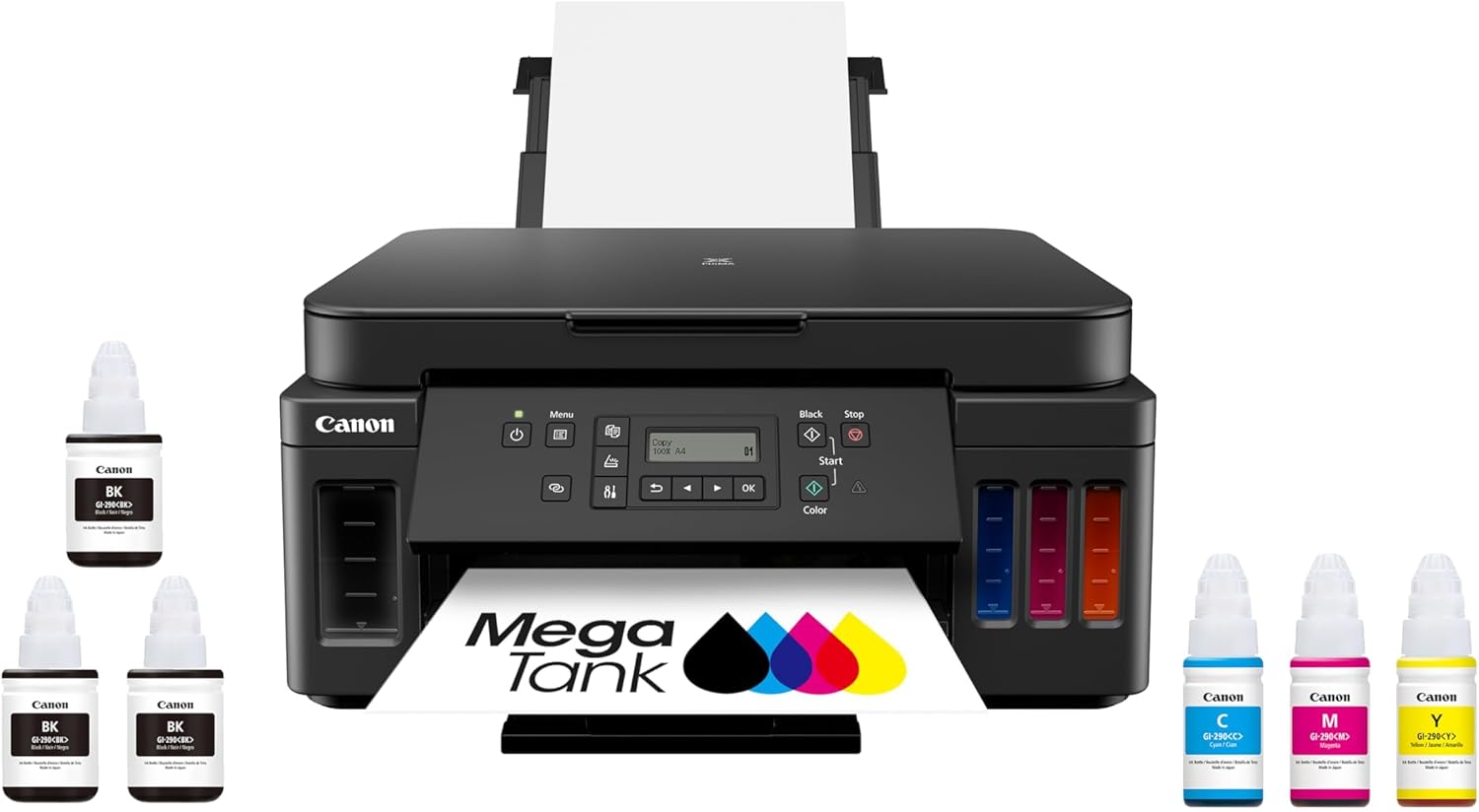
- Best value all-in-one MegaTank: Canon PIXMA G7020 (high page yield + duplex + big capacity for the money).
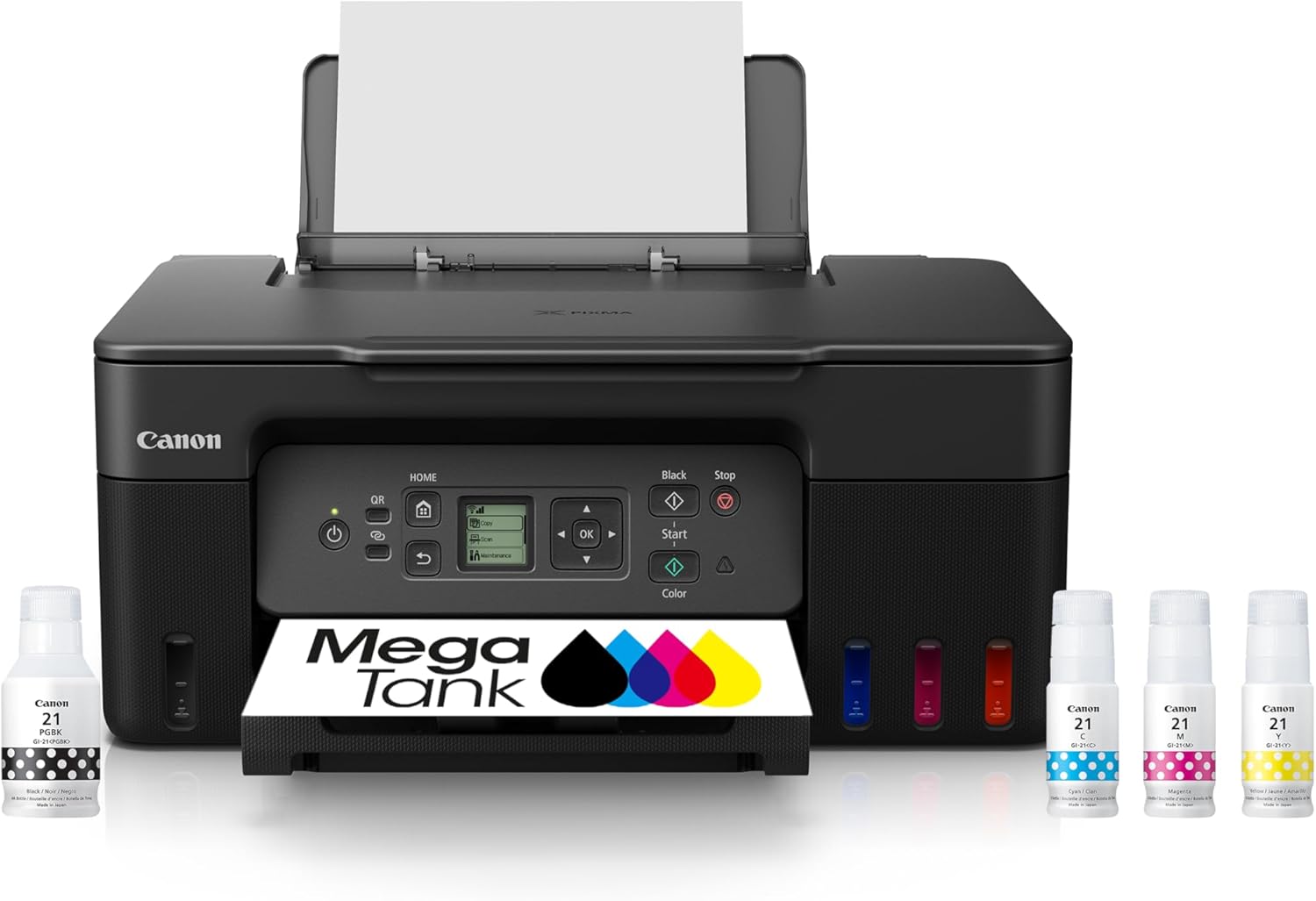
- Best budget refillable tank: Canon MegaTank G3270 (cheap entry point that still gives you the ink-tank savings).
Which feature matters most? Use this decision shortcut
Choose ADF as your priority if:
- You scan or copy more than 2 pages at a time
- You deal with forms, school packets, insurance docs, paperwork
- You run a small business or home office
- You regularly need PDFs (leases, receipts, bills)
If you’ve ever scanned a 10-page stack on the glass, you already know ADF is life-changing.
Choose duplex as your priority if:
- You print more than ~20 pages per week
- You print packets, homework, manuals, contracts
- You care about saving paper and storage space
- You hate flipping pages manually
Duplex is the feature that quietly saves you:
- paper
- time
- frustration
- clutter
Feature | |||||
|---|---|---|---|---|---|
| | | | | |
Best for | Families + mixed printing | High-volume home office / small business | Photos, art prints, creative projects | High-yield home office printing | Tight budgets + basics |
Ink system | Refillable ink bottles | Refillable MegaTank | Refillable EcoTank (photo-focused) | Refillable MegaTank | Refillable MegaTank |
Prints a lot without refills | Yes (high-yield design) | Yes (built for volume) | Yes (low cost-per-print focus) | Yes (6,000 black / 7,700 color per set claim) | Yes (budget tank concept) |
Paper capacity vibe | Family-friendly | “I print stacks” (up to 600 sheets cited) | Creative-first, not an office tank | Big (350-sheet capacity) | Basic |
Duplex printing | Depends on config | Typically yes for this class | Yes (common ET-8550 use-case) | Yes (Canon lists duplex capability) | Varies by model/version |
Price | | | | | |
Choose tray capacity as your priority if:
- Multiple people share the printer
- You print in batches (school projects, meetings, taxes)
- You want fewer interruptions
- You want to keep one tray loaded with plain paper and another with specialty paper (if available)
Tray capacity is the “I don’t want to think about this printer” feature.
Deep dive: ADF (what it does and what to watch for)
What ADF changes in real life
Without ADF:
- You lift the lid, place page, scan, repeat
- 10 pages = 10 separate actions
- You’re more likely to avoid scanning until it becomes a pile
With ADF:
- You drop the stack in and press go
- Scanning becomes a 30-second task instead of a 10-minute chore
ADF vs flatbed (why you still want the glass sometimes)
ADF is best for:
- standard letter documents
- multi-page stacks
- speed workflows
Flatbed glass is best for:
- IDs
- books
- fragile receipts
- odd sizes
- anything that can’t feed cleanly
Best case is both: ADF for stacks, flatbed for everything else.
Single-pass vs two-pass (simple explanation)
Some duplex-capable scanners can scan both sides automatically more efficiently, but the main point is this:
If you scan double-sided documents often, make sure the ADF can handle that without you flipping pages manually.
Deep dive: Duplex printing (the feature you don’t appreciate until you have it)
Why duplex matters more than “saving paper”
Yes, it saves paper, but it also:
- makes documents easier to store
- makes packets feel more professional
- reduces binder and folder clutter
- reduces time spent handling stacks
Manual duplex vs automatic duplex (big difference)
- Automatic duplex: printer flips internally
- Manual duplex: printer prompts you to flip and reinsert
Manual duplex works, but:
- it’s slower
- it’s easier to mess up page order
- it turns “print a packet” into a process
If you print packets regularly, automatic duplex is worth prioritizing.
Deep dive: Tray capacity (the feature that prevents “printer fatigue”)
Why tray capacity matters
Small trays create the same cycle:
- load paper
- print batch
- reload paper
- repeat
And that leads to:
- leaving paper stacks exposed (dust, curl)
- overstuffing trays (jams)
- switching paper types constantly
A bigger tray isn’t glamorous, but it’s one of the biggest “feels premium” upgrades.
Single tray vs multi-tray setups
If you ever print on:
- photo paper
- cardstock
- labels
- envelopes
…having a dedicated tray or a reliable manual feed is a huge quality-of-life improvement.
Even if you don’t, larger tray capacity reduces interruptions.
The best feature combinations by user type
Home + School family
Top priority: duplex + decent tray capacity
Bonus: ADF if you scan school forms or documents
Why: families print lots of multi-page stuff and hate constant reloading.
Home office / paperwork-heavy life
Top priority: ADF + duplex
Bonus: strong tray capacity
Why: scanning and organizing PDFs is where time disappears.
Student / occasional printer
Top priority: duplex
Bonus: ADF if you scan assignments or forms occasionally
Tray capacity matters less unless you print in bursts.
Small business / side hustle
Top priority: ADF + tray capacity
Bonus: duplex
Why: you print in batches, you scan receipts, and workflow consistency matters.
“Paper jams” and how these features reduce them (quietly)
A lot of jams happen because:
- people overstuff trays
- paper sits exposed and curls
- people feed paper awkwardly in rear/manual feeds
- they try to force specialty paper through standard trays
A properly sized tray and consistent feeding reduce these issues dramatically.
What to ignore (common spec traps)
“High ppm speed” without workflow features
A fast printer without duplex or ADF still wastes time because you become the automation.
“Huge input capacity” if it’s not usable
Look for real, practical tray loading, not marketing numbers that require optional accessories.
“Duplex” that’s manual only
It counts on spec sheets, but feels very different in day-to-day use.
FAQ: ADF vs Duplex vs Tray Capacity
What does ADF mean on a printer?
ADF stands for Automatic Document Feeder. It lets you scan or copy multiple pages automatically.
Is duplex printing worth it?
Yes if you print multi-page documents regularly. It saves paper and reduces hassle significantly.
How much tray capacity do I need?
If you print in batches or share a printer, higher tray capacity reduces constant reloading. For light users, it matters less.
What’s more important: ADF or duplex?
ADF is more important for scanning/copying stacks. Duplex is more important for printing multi-page documents. Your workflow decides.
Do I still need a flatbed scanner if I have an ADF?
Often yes, because flatbeds handle books, IDs, receipts, and delicate items better than feeders.
What matters most
If you want the best “day-to-day experience,” prioritize features like this:
- ADF if scanning multi-page documents matters
- Duplex if printing multi-page documents is common
- Tray capacity if you print in batches or hate paper management
Choose based on your workflow, not the marketing headline, and you’ll avoid the most common printer-buying regret: owning a “good printer” that’s annoying to use.
Other Interesting Articles
- Best Cheap Printers With Cheap Ink (2026): 5 Picks That Stay Affordable After Checkout
- Best Printers With Refillable Ink Tanks (2026): 5 Picks That Actually Save You Money
- Epson EcoTank Photo ET-8550 vs Canon imagePROGRAF PRO-300: Which Photo Printer is Best?
- Epson EcoTank Photo ET-8550 vs ET-15000: Beautiful Photos or Common Office Printer
- Epson EcoTank Photo ET-8550 vs Canon PIXMA PRO-200S: Price or Quality Photo Printing
- Epson EcoTank Photo ET-8550 vs ET-8500: One Major Difference You Need to Know
About RegalPrinter
RegalPrinter offers the best reviews for inkjet printers, laser printers, 3D printers, and other similar office machines that you use in your everyday life. We provide expert information that will ensure you are making the right decision whenever buying any of these machines. Our “ADF vs Duplex vs Tray Capacity” post will ensure you know which is right for you.