I'm a participant in the Amazon Services LLC Associates Program, an affiliate advertising program designed to provide a means for me to earn fees by linking to Amazon.com and affiliated sites.
Want to learn how to prevent inkjet clogs? If you’re here because your printer clogs, cleans itself constantly, or prints with missing lines, good news:
Most inkjet clogs are preventable with a tiny, predictable routine.
Here’s the verdict up front:
- Inkjet clogs happen mainly because ink sits still and dries near the nozzles.
- You don’t need fancy tools or deep maintenance.
- You need consistent ink movement, a “keep it alive” habit that takes under 2 minutes a week.
This guide gives you the exact routine (plus what to do if you already see clog symptoms).
Feature | |||||
|---|---|---|---|---|---|
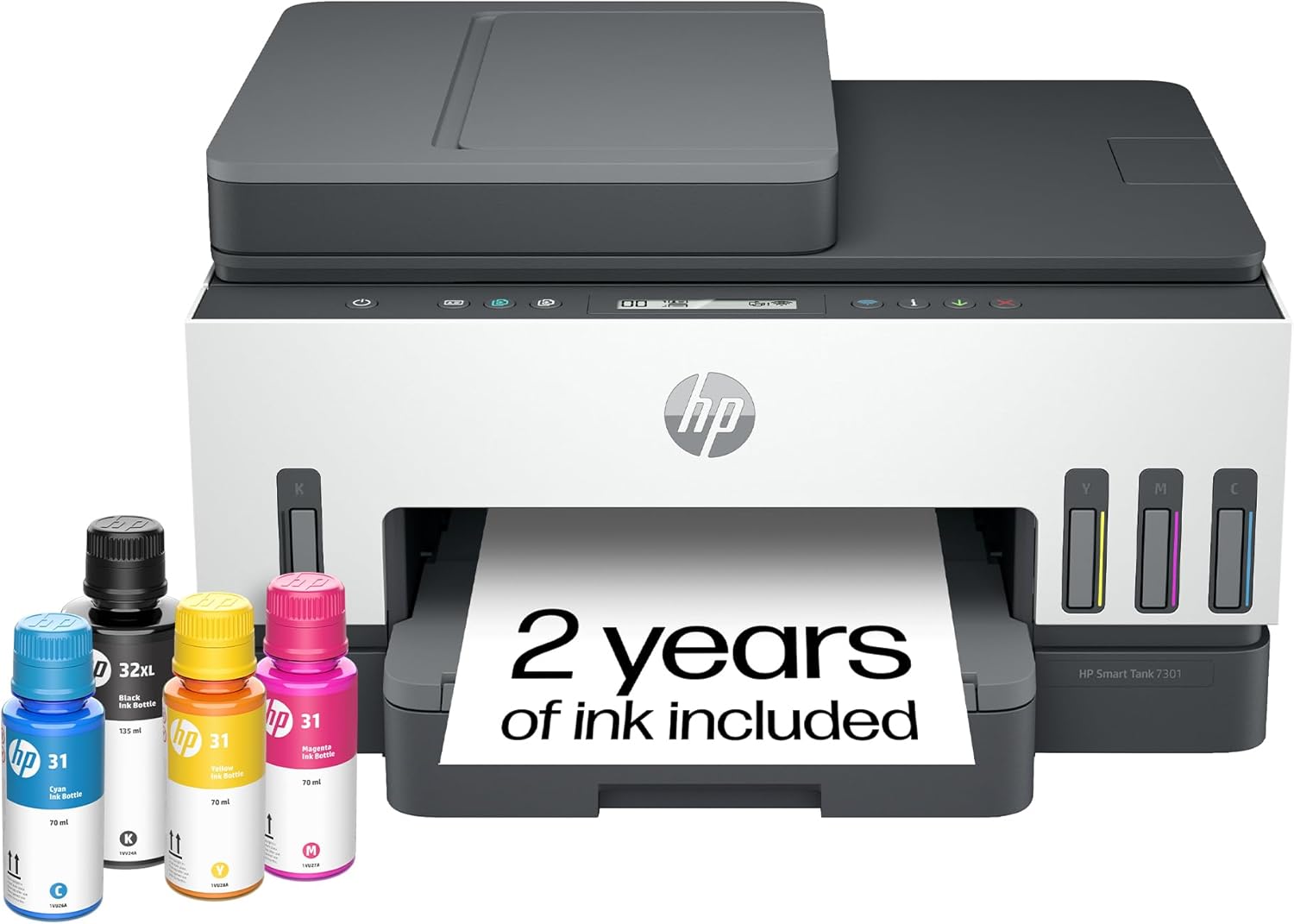 | 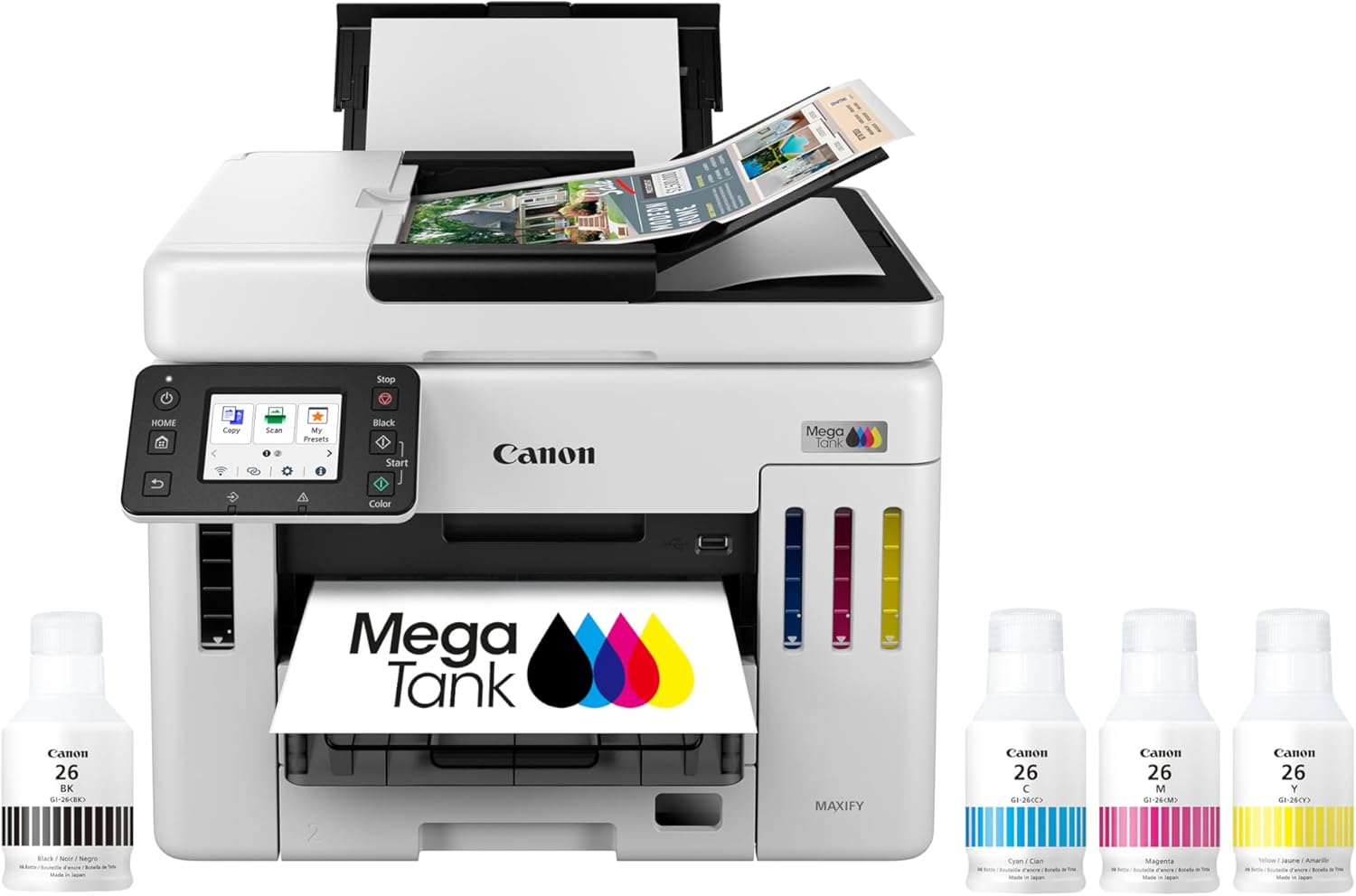 | 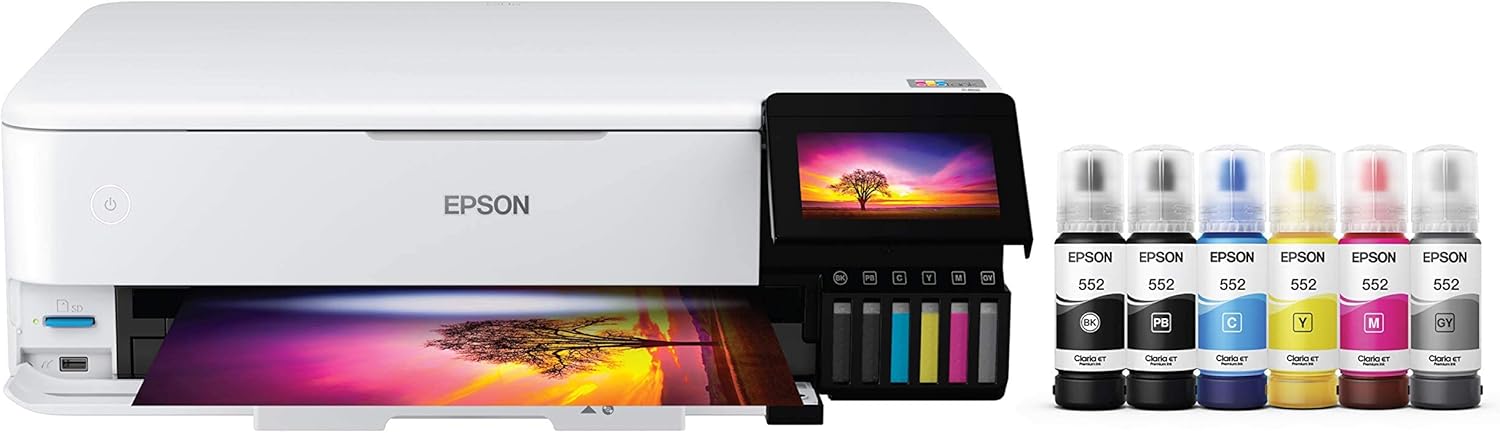 | 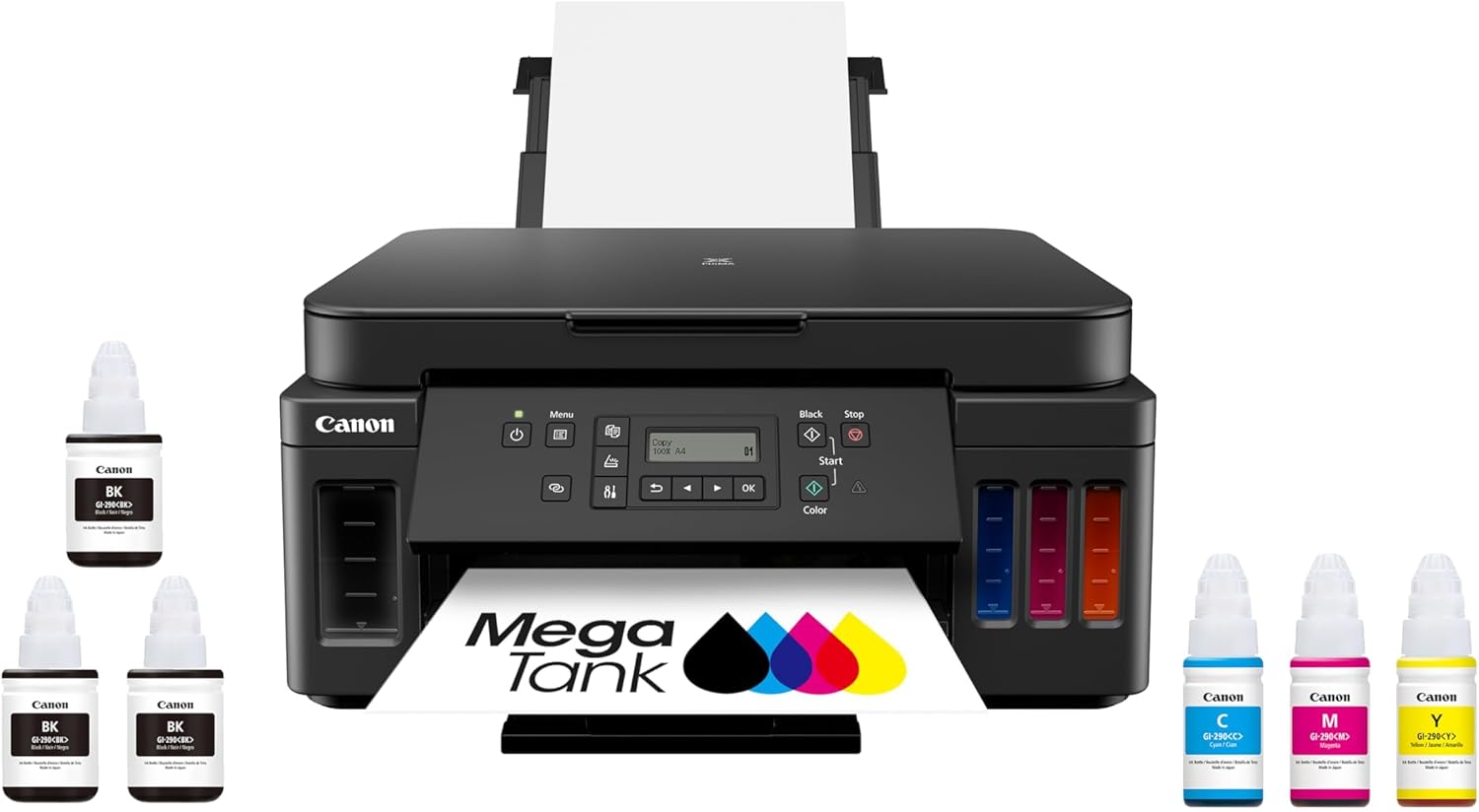 | 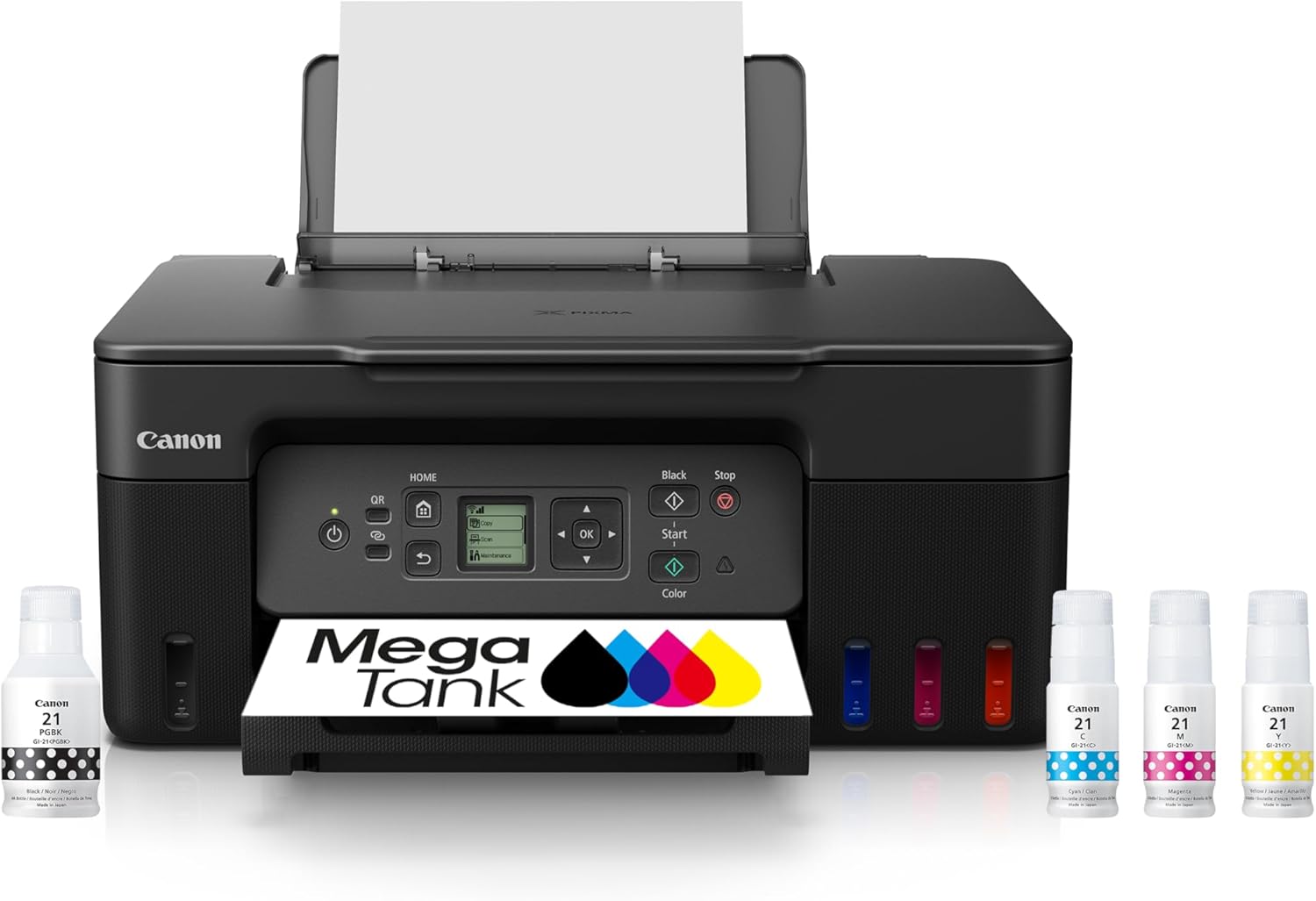 | |
Best for | Families + mixed printing | High-volume home office / small business | Photos, art prints, creative projects | High-yield home office printing | Tight budgets + basics |
Ink system | Refillable ink bottles | Refillable MegaTank | Refillable EcoTank (photo-focused) | Refillable MegaTank | Refillable MegaTank |
Prints a lot without refills | Yes (high-yield design) | Yes (built for volume) | Yes (low cost-per-print focus) | Yes (6,000 black / 7,700 color per set claim) | Yes (budget tank concept) |
Paper capacity vibe | Family-friendly | “I print stacks” (up to 600 sheets cited) | Creative-first, not an office tank | Big (350-sheet capacity) | Basic |
Duplex printing | Depends on config | Typically yes for this class | Yes (common ET-8550 use-case) | Yes (Canon lists duplex capability) | Varies by model/version |
Price |  | | | | |
Why inkjet clogs happen (the simple explanation)
Inkjet printers push liquid ink through microscopic nozzles. When you don’t print for a while:
- Ink at the nozzle can thicken or dry
- Dust and paper fibers can collect
- The printer may run cleaning cycles
- Cleaning cycles use ink and sometimes don’t fully fix the problem
So “preventing clogs” is really just this:
Keep ink moving often enough that it doesn’t dry at the nozzle.
The simple weekly routine (the one that actually works)
The Weekly “No-Clog” Routine (2 minutes)
Do this once a week, same day, same time if possible:
- Print one small test page
- A page with black text and a small color block is ideal.
- Don’t overthink it. Any simple page that forces ink to flow is good.
- Look at the output for 5 seconds
- Check if text is broken or faint.
- Check if any color looks striped or missing.
- If it looks normal: stop
- You’re done.
- The goal is prevention, not constant cleaning.
That’s it. That’s the routine.
Why this works:
It keeps fresh ink cycling through the nozzles before it can dry.
Top 5 Picks:
- Best overall for most people: HP Smart Tank 7301 (balanced speed/features + easy home use).
- Best for home office volume: Canon MAXIFY GX7020 MegaTank (big paper capacity + business mindset).
- Best for photos + creative work: Epson EcoTank Photo ET-8550 (borderless 13×19 + standout photo quality).
- Best value all-in-one MegaTank: Canon PIXMA G7020 (high page yield + duplex + big capacity for the money).
- Best budget refillable tank: Canon MegaTank G3270 (cheap entry point that still gives you the ink-tank savings).
The “biweekly version” (for very light printers)
If you truly don’t print much, you can often get away with:
- Print a test page every 2 weeks
But weekly is safer if:
- your home is dry (heated in winter)
- you live in a dusty area
- you’ve had clogs before
- you print color infrequently
If you want “set it and forget it,” weekly is the sweet spot.
Feature | |||||
|---|---|---|---|---|---|
| | | | | |
Best for | Families + mixed printing | High-volume home office / small business | Photos, art prints, creative projects | High-yield home office printing | Tight budgets + basics |
Ink system | Refillable ink bottles | Refillable MegaTank | Refillable EcoTank (photo-focused) | Refillable MegaTank | Refillable MegaTank |
Prints a lot without refills | Yes (high-yield design) | Yes (built for volume) | Yes (low cost-per-print focus) | Yes (6,000 black / 7,700 color per set claim) | Yes (budget tank concept) |
Paper capacity vibe | Family-friendly | “I print stacks” (up to 600 sheets cited) | Creative-first, not an office tank | Big (350-sheet capacity) | Basic |
Duplex printing | Depends on config | Typically yes for this class | Yes (common ET-8550 use-case) | Yes (Canon lists duplex capability) | Varies by model/version |
Price | | | | | |
What your test page should include (don’t skip this)
A surprising amount of clog prevention fails because people print only black text.
Ink can clog in any channel, especially color.
Your weekly page should include:
- A few lines of black text
- A small block of cyan, magenta, yellow (or any colored graphic)
You’re not printing for content. You’re printing for ink circulation.
What to do if your weekly page shows clog symptoms
If the page has:
- missing lines
- streaks
- faded areas
- broken text
Don’t panic, and don’t start hammering “clean print head” repeatedly.
The smarter unclog sequence (minimal ink waste)
- Print the same test page again
- Often the second print fixes minor drying.
- If it’s still missing lines, run one nozzle/printhead cleaning cycle.
- Only once.
- Print the test page again.
- If it improves but isn’t perfect, wait 30–60 minutes and repeat one cleaning cycle.
- Why wait? Cleaning can loosen dried ink, and time helps.
Avoid the common mistake:
Running cleaning cycles back-to-back can waste a lot of ink and still not fix the clog.
The 5 habits that prevent clogs even more than “weekly printing”
1) Keep your printer in a stable environment
Clogs happen more in:
- very dry rooms
- dusty spaces
- near vents or heaters
Better placement:
- away from direct airflow
- away from sunny windows
- not right next to a radiator or heat register
This alone reduces drying at the nozzle.
2) Leave the printer powered on (when practical)
Many inkjets do automatic maintenance when idle only if they have power.
If you cut power completely all the time:
- the printer may not cap and maintain itself properly
- you may get more clogs after long idle periods
If you must power down, use the proper power button so it parks the print head.
3) Use the printer regularly, even small prints count
You don’t need to print full documents.
Small output is enough to:
- move ink
- refresh nozzles
- prevent drying
That’s why the weekly page works so well.
4) Don’t wait until you “need it urgently”
Clogs love deadlines.
If you only print when:
- you’re already late
- you need forms now
- your kid needs homework now
…you’ll experience clogs at the worst times.
Weekly routine prevents the “emergency print” disaster.
5) Keep paper clean and stored properly
Dusty paper sheds fibers.
Paper dust can contribute to:
- roller issues
- debris inside the printer
- more grime in the print path
Keep paper covered and in a drawer if possible.
The “vacation rule” (when you won’t print for a while)
If you know you won’t print for several weeks:
- Print your weekly test page before you leave
- Make sure the printer powers down normally (not yanked from power)
- When you return, print the test page again before running any cleaning cycles
This reduces the odds of coming back to missing colors.
Wrong Advice That Does Harm
Wrong advice: “Run cleaning cycles weekly”
That’s not prevention, that’s waste.
Cleaning cycles are for:
- fixing an issue
- recovering performance
Prevention is:
- small, consistent printing
Wrong advice: “Print photos to keep it healthy”
You don’t need photos. Photos dump ink.
A tiny test page with a few color elements is better and cheaper.
Wrong advice: “If it clogs, clean it five times”
Back-to-back cleaning often wastes ink and can worsen frustration.
Use the minimal sequence above.
FAQ: How to Prevent Inkjet Clogs
How often should I print to prevent inkjet clogs?
Weekly is ideal. Every two weeks can work for light users, but weekly is safer.
What should I print to prevent clogs?
A simple test page that includes black text and a small amount of color.
Should I run printhead cleaning to prevent clogs?
No. Cleaning cycles are for fixing problems, not prevention. Printing regularly is better.
Why does my printer clog even when it has ink?
Ink sitting still can dry at the nozzles. Clogs are about flow, not ink level.
Does leaving the printer on help prevent clogs?
Often yes, because many printers can park and maintain the print head when powered.
Final takeaway
If you want to prevent inkjet clogs, don’t overcomplicate it.
Print one small mixed-color test page once a week.
Check it quickly.
Only clean if you see symptoms.
This routine keeps ink moving, reduces cleaning cycles, saves ink, and stops the “I needed it today and now it’s clogged” nightmare.
Other Interesting Articles
- Best Cheap Printers With Cheap Ink (2026): 5 Picks That Stay Affordable After Checkout
- Best Printers With Refillable Ink Tanks (2026): 5 Picks That Actually Save You Money
- Epson EcoTank Photo ET-8550 vs Canon imagePROGRAF PRO-300: Which Photo Printer is Best?
- Epson EcoTank Photo ET-8550 vs ET-15000: Beautiful Photos or Common Office Printer
- Epson EcoTank Photo ET-8550 vs Canon PIXMA PRO-200S: Price or Quality Photo Printing
- Epson EcoTank Photo ET-8550 vs ET-8500: One Major Difference You Need to Know
About RegalPrinter
RegalPrinter offers the best reviews for inkjet printers, laser printers, 3D printers, and other similar office machines that you use in your everyday life. We provide expert information that will ensure you are making the right decision whenever buying any of these machines. Our “How to Prevent Inkjet Clogs” post will ensure you know which is right for you.