I'm a participant in the Amazon Services LLC Associates Program, an affiliate advertising program designed to provide a means for me to earn fees by linking to Amazon.com and affiliated sites.
Trying to figure out printer cost per page (CPP)? If you’re trying to compare printers without getting tricked by low upfront prices, this is the metric that actually matters:
Cost Per Page (CPP).
CPP answers the only question that really counts long-term:
How much does each printed page actually cost me over time?
Most articles mention CPP. Very few explain it clearly, calculate it correctly, or show how it changes based on how you print. This guide fixes that.
Feature | |||||
|---|---|---|---|---|---|
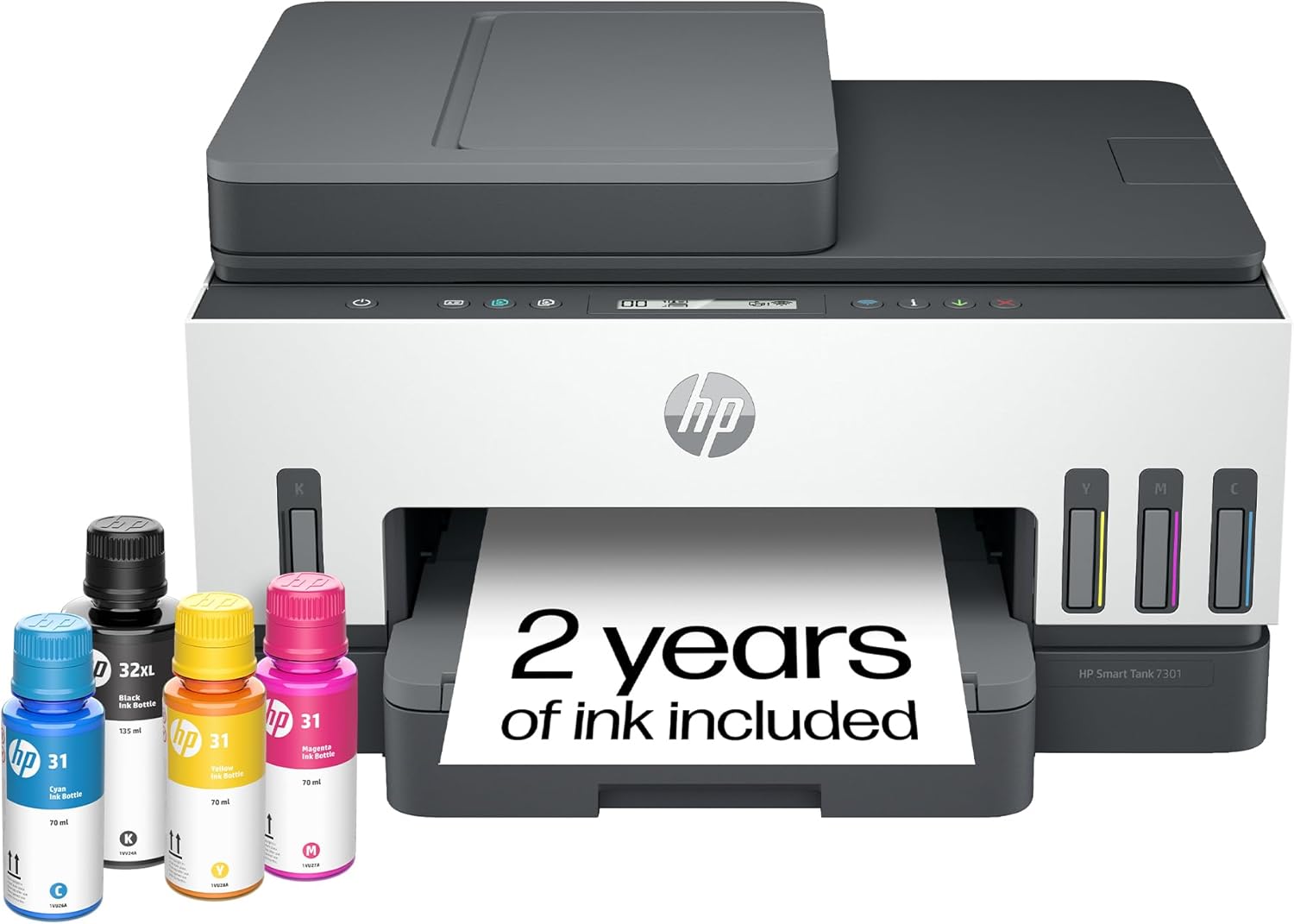 | 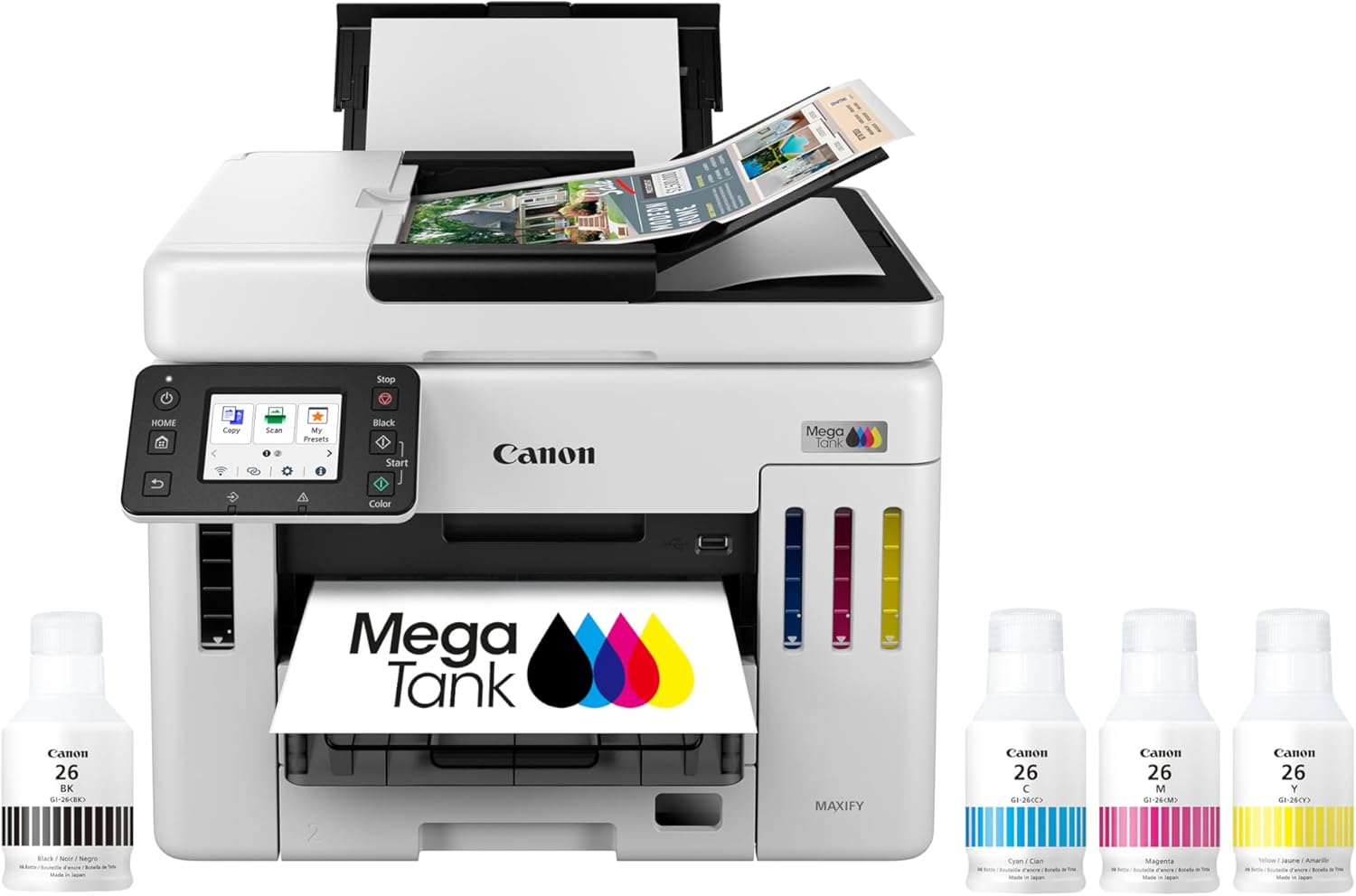 | 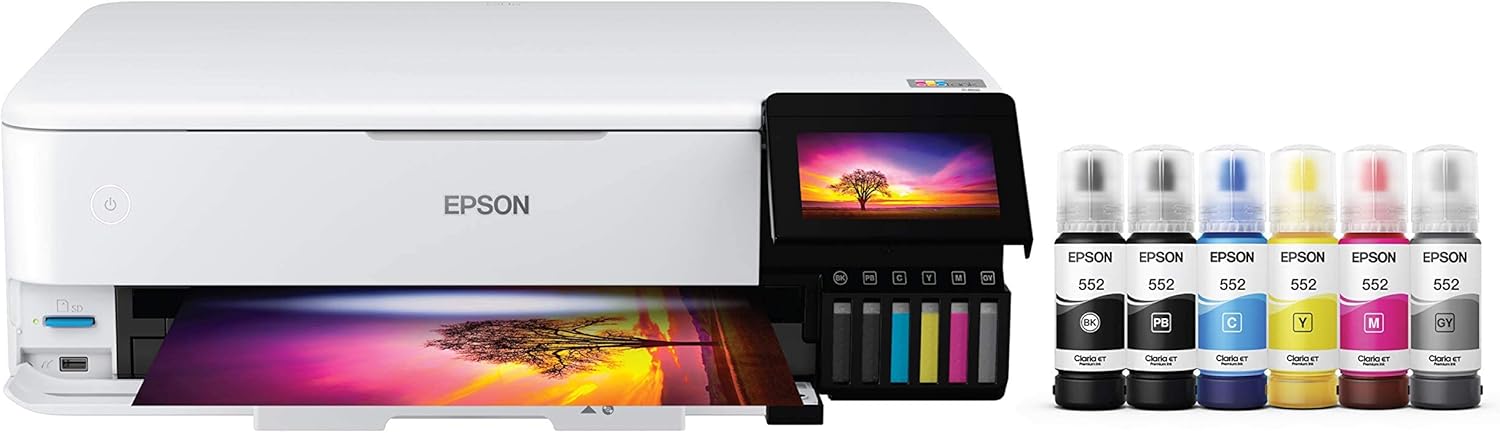 |  |  | |
Best for | Families + mixed printing | High-volume home office / small business | Photos, art prints, creative projects | High-yield home office printing | Tight budgets + basics |
Ink system | Refillable ink bottles | Refillable MegaTank | Refillable EcoTank (photo-focused) | Refillable MegaTank | Refillable MegaTank |
Prints a lot without refills | Yes (high-yield design) | Yes (built for volume) | Yes (low cost-per-print focus) | Yes (6,000 black / 7,700 color per set claim) | Yes (budget tank concept) |
Paper capacity vibe | Family-friendly | “I print stacks” (up to 600 sheets cited) | Creative-first, not an office tank | Big (350-sheet capacity) | Basic |
Duplex printing | Depends on config | Typically yes for this class | Yes (common ET-8550 use-case) | Yes (Canon lists duplex capability) | Varies by model/version |
Price |  | | | | |
Verdict first (what CPP really tells you)
- CPP matters more than printer price
- CPP varies by black vs color
- CPP changes depending on your habits
- The cheapest printer at checkout is often the most expensive over time
If you understand CPP, you’ll never overpay for ink again.
What “Cost Per Page” actually means
Cost Per Page (CPP) is the average cost to print one page, based on:
- How much ink or toner costs
- How many pages that ink or toner yields
It does not include:
- The price of the printer itself
- Paper costs
- Electricity
CPP is strictly about consumables.
That’s intentional—because consumables are where most people overspend.
Top 5 Picks:
- Best overall for most people: HP Smart Tank 7301 (balanced speed/features + easy home use).
- Best for home office volume: Canon MAXIFY GX7020 MegaTank (big paper capacity + business mindset).
- Best for photos + creative work: Epson EcoTank Photo ET-8550 (borderless 13×19 + standout photo quality).
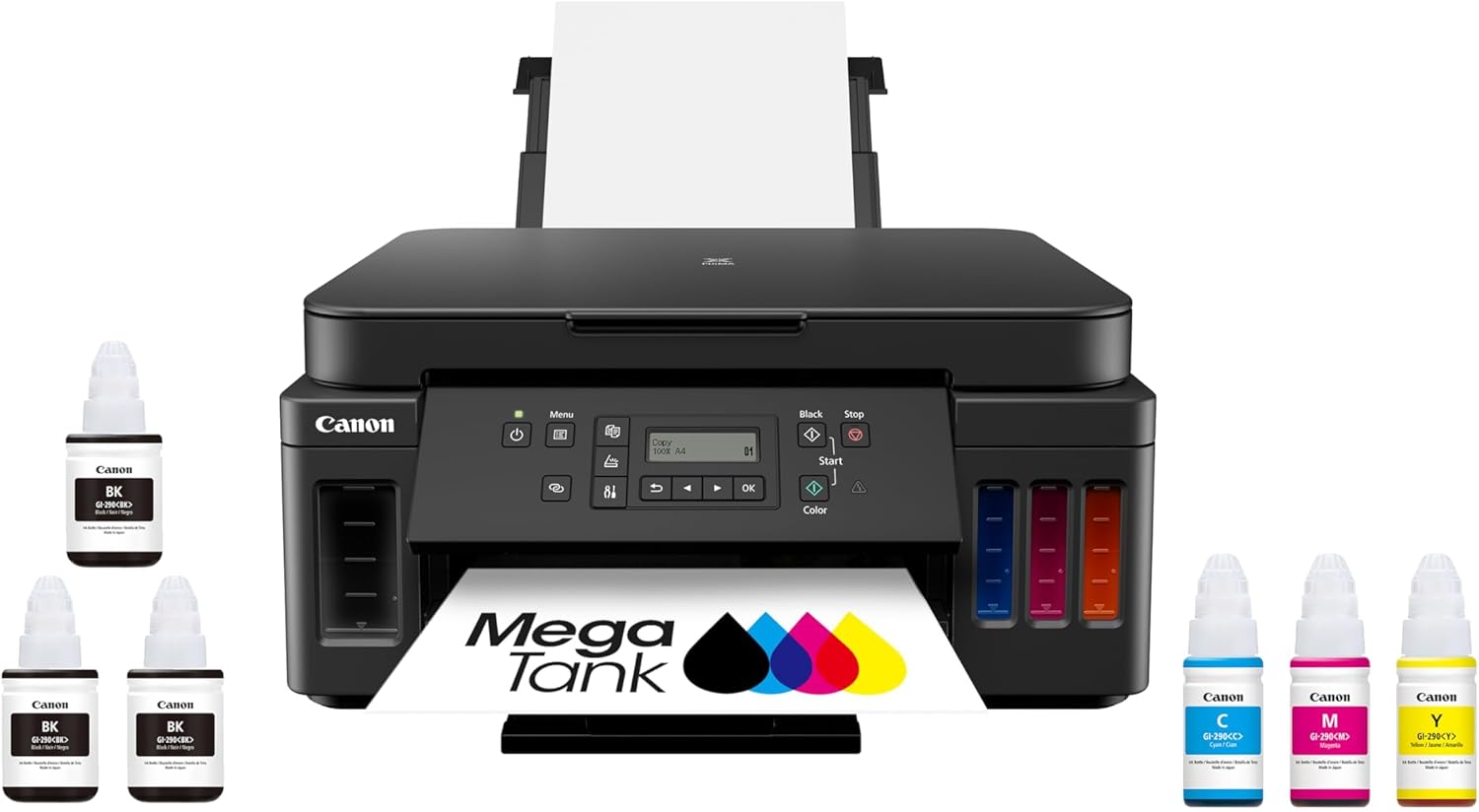
- Best value all-in-one MegaTank: Canon PIXMA G7020 (high page yield + duplex + big capacity for the money).
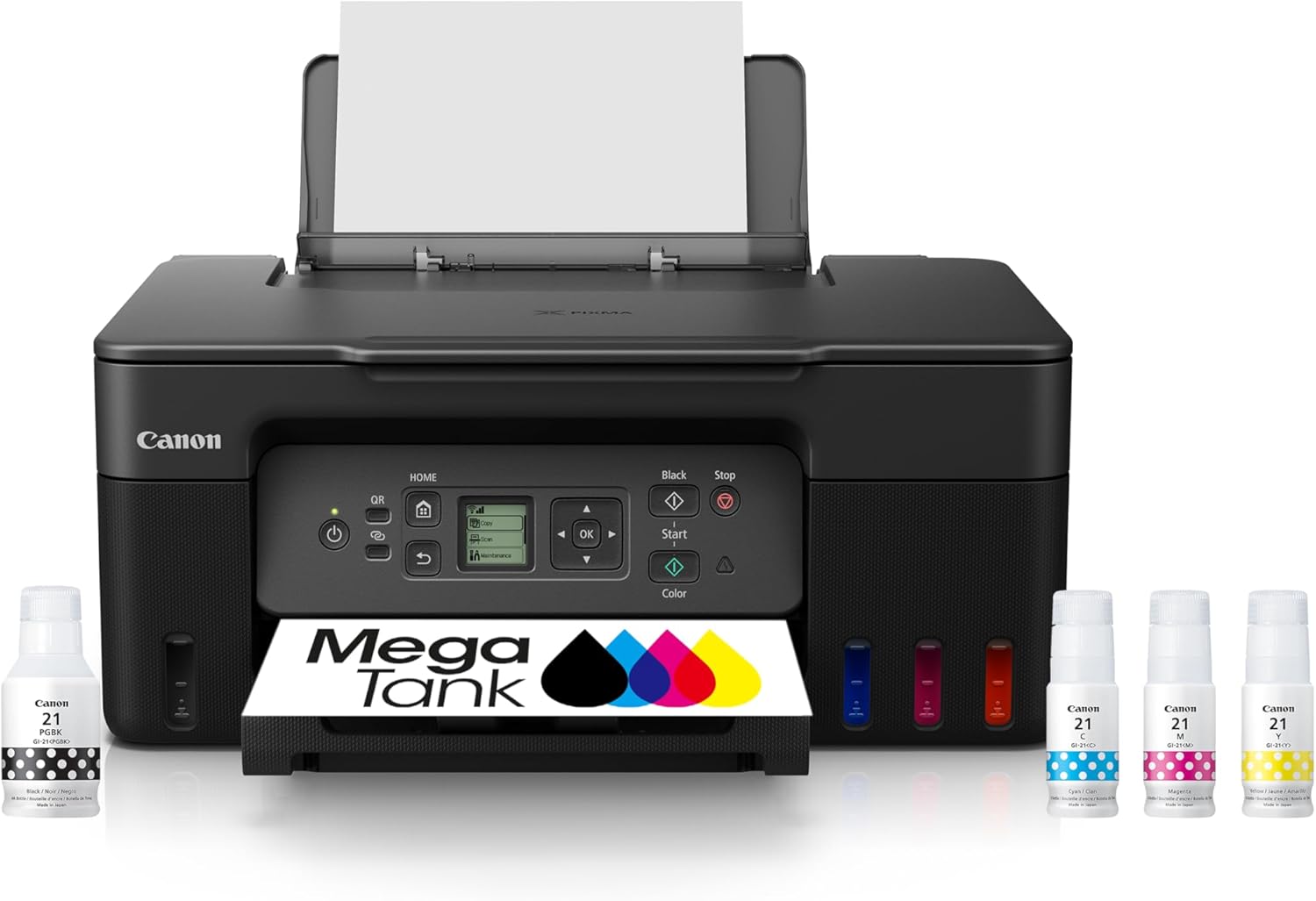
- Best budget refillable tank: Canon MegaTank G3270 (cheap entry point that still gives you the ink-tank savings).
The basic CPP formula (simple and accurate)
For black-and-white printing
CPP (black) = Cost of black ink or toner ÷ Black page yield
For color printing
CPP (color) = Total cost of color inks ÷ Color page yield
That’s it.
Everything else—marketing claims, starter ink confusion, subscription distractions—comes after.
Feature | |||||
|---|---|---|---|---|---|
| | | | | |
Best for | Families + mixed printing | High-volume home office / small business | Photos, art prints, creative projects | High-yield home office printing | Tight budgets + basics |
Ink system | Refillable ink bottles | Refillable MegaTank | Refillable EcoTank (photo-focused) | Refillable MegaTank | Refillable MegaTank |
Prints a lot without refills | Yes (high-yield design) | Yes (built for volume) | Yes (low cost-per-print focus) | Yes (6,000 black / 7,700 color per set claim) | Yes (budget tank concept) |
Paper capacity vibe | Family-friendly | “I print stacks” (up to 600 sheets cited) | Creative-first, not an office tank | Big (350-sheet capacity) | Basic |
Duplex printing | Depends on config | Typically yes for this class | Yes (common ET-8550 use-case) | Yes (Canon lists duplex capability) | Varies by model/version |
Price | | | | | |
Example 1: Black-and-white CPP (ink or toner)
Let’s say:
- Black ink costs $40
- It’s rated for 2,000 pages
$40 ÷ 2,000 = $0.02 per page
CPP = 2¢ per page
That means:
- 100 pages ≈ $2
- 1,000 pages ≈ $20
Once you know this, you can instantly estimate real costs.
Example 2: Color CPP (where people get it wrong)
Color printing uses multiple inks at once, so you must add them together.
Let’s say:
- Cyan: $25
- Magenta: $25
- Yellow: $25
- Black: $25
Total ink cost = $100
Color yield: 2,500 pages
$100 ÷ 2,500 = $0.04 per page
Color CPP = 4¢ per page
Many people underestimate color costs because they forget to add all colors.
Example 3: Why starter ink makes CPP look better than it is
New printers often ship with starter ink:
- Lower capacity
- Not representative of real refills
If you calculate CPP using starter ink yields, you’ll get an unrealistically low number.
Rule:
Always calculate CPP using full replacement ink or toner, not what comes in the box.
This is one of the biggest mistakes competitor articles make.
Realistic CPP Ranges
While exact numbers vary, these ranges are common:
Printer type | Typical Black CPP | Typical Color CPP |
|---|---|---|
Ink tank (refillable) | Very low | Very low |
Cartridge inkjet | Medium–high | High |
Laser | Low | Medium–high |
Key insight:
CPP differences become dramatic once you print color or volume.
Why CPP beats “monthly ink cost” estimates
Some guides try to estimate “annual ink cost.”
That approach fails because:
- People print unevenly
- Color usage varies wildly
- Maintenance cycles skew totals
CPP lets you control the math:
- Multiply CPP × your pages/month
- Adjust instantly if your habits change
It’s flexible. That’s why it’s powerful.
A quick way to estimate your real yearly ink cost
- Estimate your monthly pages
- Separate black vs color
- Multiply by CPP
Example:
- 150 black pages/month at $0.01
- 50 color pages/month at $0.04
Monthly cost:
(150 × 0.01) + (50 × 0.04)
= $1.50 + $2.00
= $3.50/month
Yearly ink cost ≈ $42
Now compare that to replacing cartridges blindly—and the difference becomes obvious.
Hidden factors that affect CPP (most articles ignore these)
1. Maintenance ink usage
Inkjet printers periodically clean print heads.
- This uses ink
- CPP calculations don’t include it
However:
- Lower CPP systems absorb this cost more easily
- Higher CPP systems feel more painful when it happens
CPP still works—you just need to understand the context.
2. Color coverage assumptions
CPP yields are based on standard coverage (usually ~5%).
If you print:
- Photos
- Heavy graphics
- Full-page color
Your effective CPP will be higher.
This doesn’t invalidate CPP—it just means it’s a baseline, not a guarantee.
3. Duplex (double-sided) printing
CPP is per printed page, not per sheet of paper.
If you print double-sided:
- Your paper cost drops
- Your CPP stays the same
CPP helps you isolate ink cost from everything else.
When CPP matters most
CPP is especially important if you:
- Print regularly (weekly or more)
- Print in color
- Share a printer with family or coworkers
- Want predictable costs
- Hate surprise “low ink” warnings
If you print once every few months, CPP still matters—but convenience may matter more.
Common CPP mistakes (avoid these)
- ❌ Using starter ink yields
- ❌ Ignoring color ink entirely
- ❌ Comparing printer prices instead of ink costs
- ❌ Forgetting that color pages use multiple inks
- ❌ Assuming all “cheap printers” are cheap to own
These errors are why people feel burned after purchase.
FAQ: Printer Cost Per Page (CPP)
What is a good cost per page?
Lower is better. The “good” number depends on how much you print and whether you print color.
Is CPP the same for black and color?
No. Color CPP is almost always higher because multiple inks are used.
Does CPP include paper?
No. CPP measures ink or toner only.
Why does my ink seem to run out faster than CPP suggests?
Maintenance cycles, coverage differences, and starter ink can all skew perception.
Is CPP the best way to compare printers?
For long-term cost, yes. It’s far more reliable than upfront price.
Final takeaway
Printer Cost Per Page (CPP) is the single most important number most buyers never calculate.
Once you do:
- Printer marketing stops working on you
- “Cheap” printers reveal their real cost
- Ink anxiety disappears
If you want to choose a printer intelligently—before buying—CPP is the math that keeps you in control.
Other Interesting Articles
- Best Cheap Printers With Cheap Ink (2026): 5 Picks That Stay Affordable After Checkout
- Best Printers With Refillable Ink Tanks (2026): 5 Picks That Actually Save You Money
- Epson EcoTank Photo ET-8550 vs Canon imagePROGRAF PRO-300: Which Photo Printer is Best?
- Epson EcoTank Photo ET-8550 vs ET-15000: Beautiful Photos or Common Office Printer
- Epson EcoTank Photo ET-8550 vs Canon PIXMA PRO-200S: Price or Quality Photo Printing
- Epson EcoTank Photo ET-8550 vs ET-8500: One Major Difference You Need to Know
About RegalPrinter
RegalPrinter offers the best reviews for inkjet printers, laser printers, 3D printers, and other similar office machines that you use in your everyday life. We provide expert information that will ensure you are making the right decision whenever buying any of these machines. Our “Printer Cost Per Page (CPP)” post will ensure you know which is right for you.